Step 3:
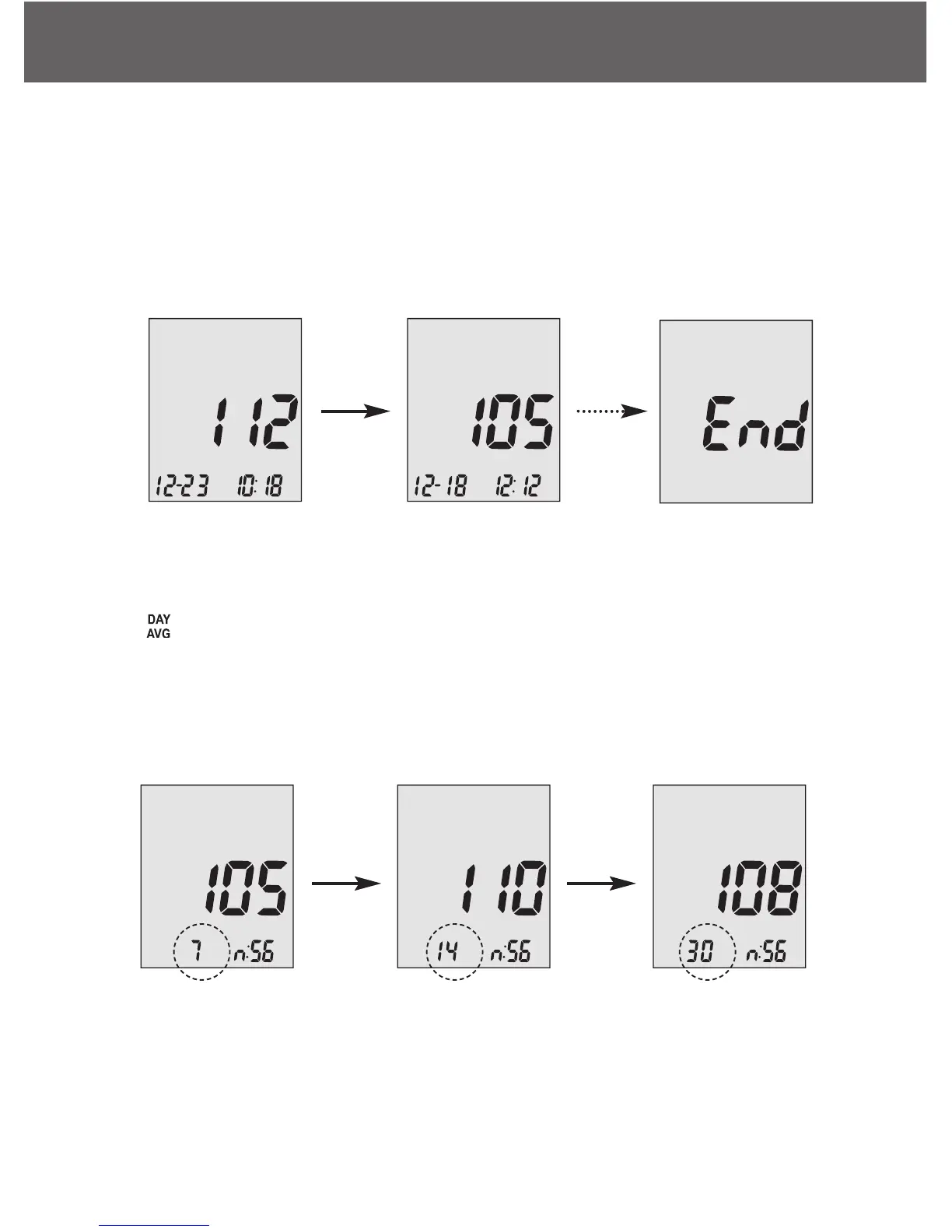
When you reach the most recent result, continue to arrow down to start
viewing day averages. The meter will display the 7 days average, scroll
down again to see 14 days average, and scroll down again to see 30
days average.
The number of results included in the averages is shown right next to
the icon.
Control solution results are not included in the day average calculations.



 To Next Page