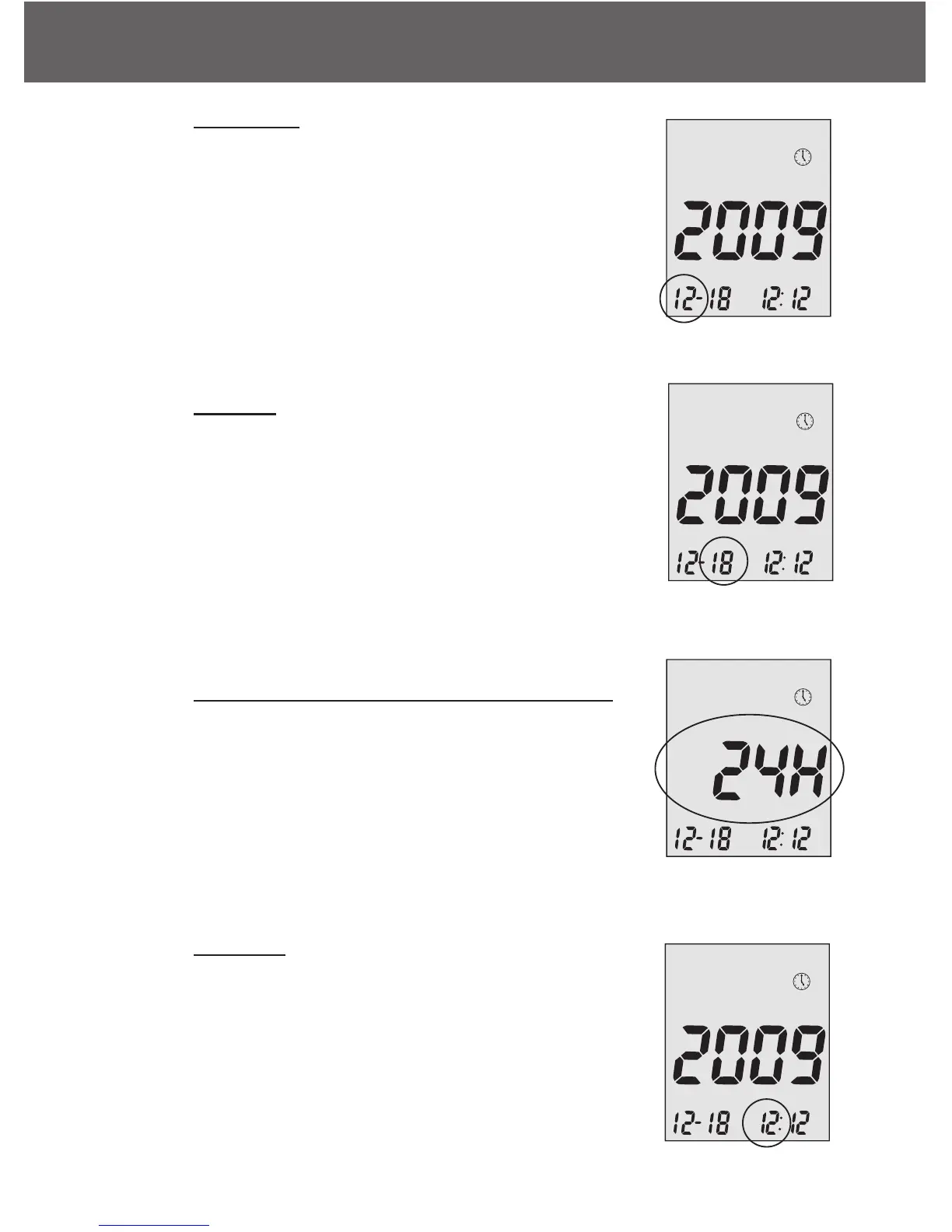
Step 4 - Set Month
The current month will flash. If the talking feature
is on, the meter will say, “Set Month.” Press the
up or down arrows to reach the desired month.
Once the desired month is reach press the middle
button.
Step 5 - Set Day
The current date will flash. Use the up and down
arrows to reach the desired day and when
achieved, press the middle button. If the talking
function is on, the meter will say, “Set Day.”
Step 6 - Set Time Format to 12-hours or 24-hours
The current time format will flash. Use the up
arrow to select for either 12-hours format or 24-
hour format. Press the middle button to confirm
your selection and advance to set hour.
Step 7 - Set Hour
The current hour will flash. If the talking feature is
on, the meter will say, “Set Hour.” Press the up
arrow to reach the correct hour. Press the middle
button to confirm your choice and advance to set
minutes.
Embrace N0 Code
Setting Up Your New System
12



 To Next Page