WHEN the meter will speak… WHAT the meter will say…
Embrace N0 Code
Voice Function Table
19
Control solution test is completed
and within range. The result is
show on screen
Control solution test is completed
and NOT within range. The re-
sult is show on screen
Temperature is out of range (be-
tween 50˚F~104˚F).
When the meter is turned off.
“Your L1/ L2 control solution test
result is (number) milligram per
deciliter, is within range”
“Your L1/ L2 control solution test
result is (number) milligram per
deciliter, is not within range”
“Temperature is out of range”
Melody.
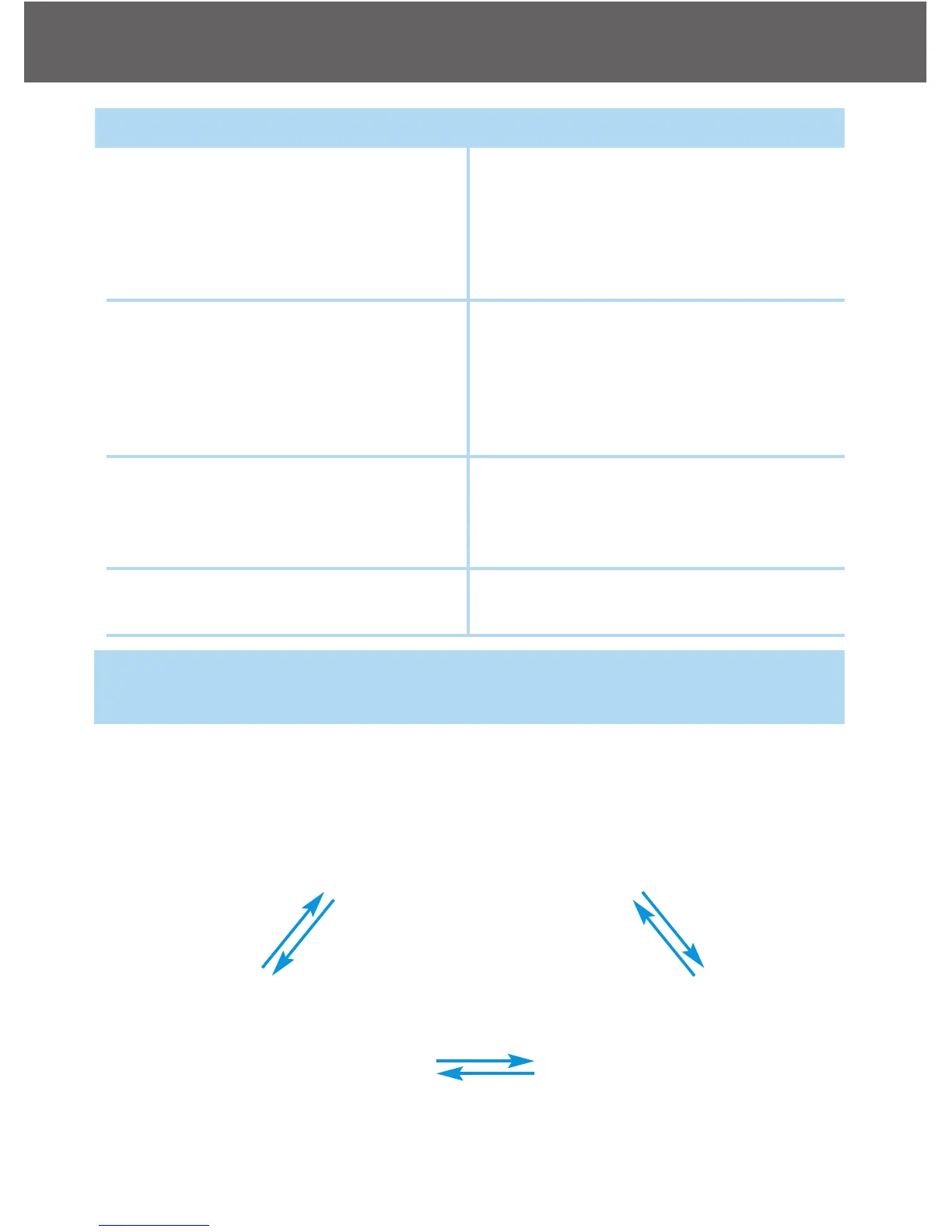
Test Strip is inserted and use the up or down arrow to scroll up or down
(CTL showing next to the test strip icon)
“L1 control solution
test. Please apply
control solution onto
the test strip.”
“Blood glucose test.
Please apply blood
onto the test strip.”
“L2 control solution
test. Please apply
control solution.”
Arrow
down
Arrow u
p
Ar
r
ow d
o
wn
Ar
ro
w
up
Arrow down
Arrow up



 To Next Page