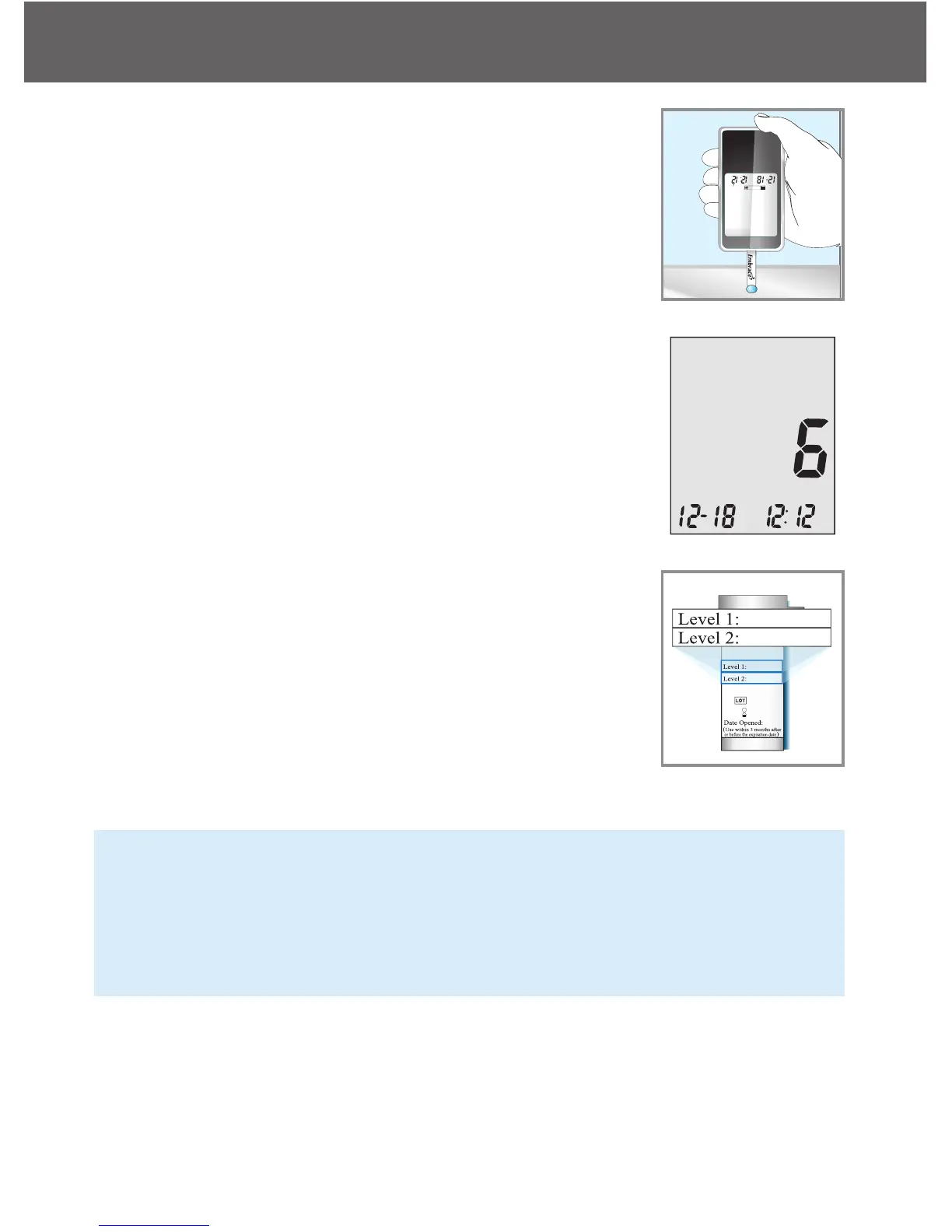
Step 5:
Gently touch the drop of the control solution to the
tip of the test strip. The meter will beep indicating
it has received the control solution
Step 6:
The screen will start to count down. After 6 sec-
onds, the control test result will appear on the
meter’s display screen and announce the test re-
sult if the
Step 7:
Compare the reading on the screen to the Level 1
range printed on the test strip bottle or its package.
If the reading falls outside the Level 1 range
printed on the test strip bottle or its package, see
Control Solution Trouble Shooting , on page
NOTE:
• Control solution testing results will be stored into the meter memory
and indicated by ctl icon.
• Control solution testing result will not be used for calculating aver-
ages.
Step 8:
Remove the test strip into proper wastebasket. The meter will automati-
cally turn off
Embrace N0 Code
Control Solution Testing
25



 To Next Page