Blood Glucose Monitoring System
32
Step 5:
Set the lancing device to the desired puncture depth (1 being less
deep-5 being deepest). Pull blue end of lancing device until you hear
a click. Hold the lancing device against the side of your nger and
press the small blue button located in the middle of the lancing device
to create the puncture.
Step 6:
Gently guide the tip of the strip straight into the blood
drop at a slight angle. The tip of the strip will act as a
straw and pull the blood up into the strip. Leave the
tip of the strip in the blood drop until the monitor begin
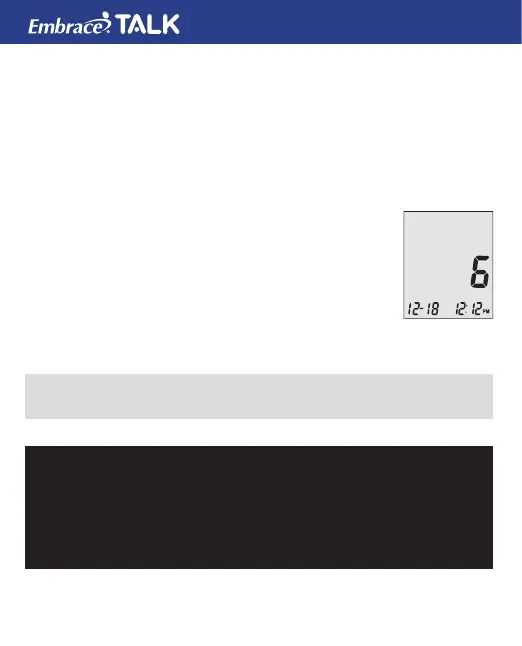
beeps or plays a melody. The monitor will start to count
down. After 6 seconds the monitor will display your
results. If the talking feature is on the monitor will say “Your blood
glucose reading is [number] milligrams per deciliter”.
NOTE:
• Your reading will automatically be stored in the monitor’s memory.
CAUTION:
IF YOU SEE “HI” OR “LO” DISPLAYED, YOUR BLOOD GLUCOSE
LEVEL MAY BE ABOVE 600 MG/DL OR BELOW 20 MG/DL,
REPEAT TESTING. IF YOU STILL RECEIVE THE SAME RESULT,
CALL YOUR PHYSICIAN OR HEALTHCARE PROFESSIONAL
IMMEDIATELY.



 To Next Page