Blood Glucose Monitoring System
14
Setting the Alarms
You can set up to three alarms on the Embrace TALK Monitor. You
must set the clock before you can set the alarms. When an alarm
sounds, the Monitor will turn on, and a melody will sound for 30
seconds. Pressing the middle button or inserting a test strip will
silence the alarm. You can set up one or all three alarms.
You will need:
Embrace TALK Monitor
Step 1:
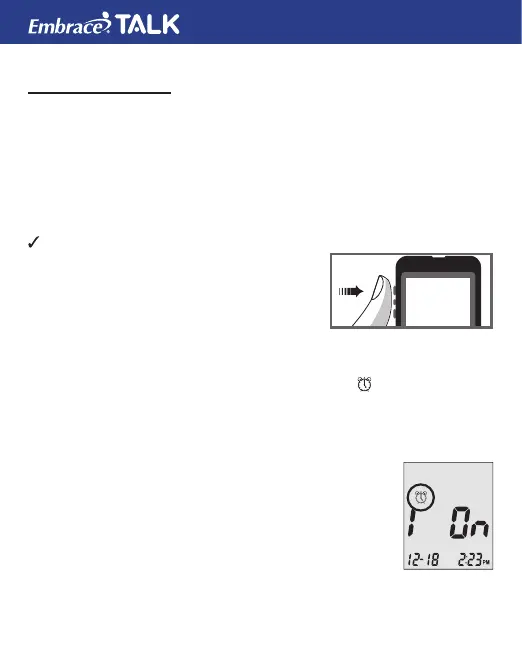
Press and hold the middle button to turn on
the monitor.
Step 2:
Press and release the middle button to enter the set up screen. Then
press and release the up or down button until the
on the second
row starts to ash. If the talking feature is on, the monitor will say,
“Set Alarm.” Press and release the middle button to enter the alarm
setting.
Step 3:
The display screen will indicate alarm 1 ON or OFF.
If the alarm is OFF and the voice feature is on the
monitor will say “Set Alarm 1” Press and release the
top button to turn the alarm on. The monitor will now
show 1 ON. Press and release the middle button to
set alarm 1. Press and release the up or down button
to desired HOUR.



 To Next Page