Blood Glucose Monitoring System
10
Setting Up Your New Monitor
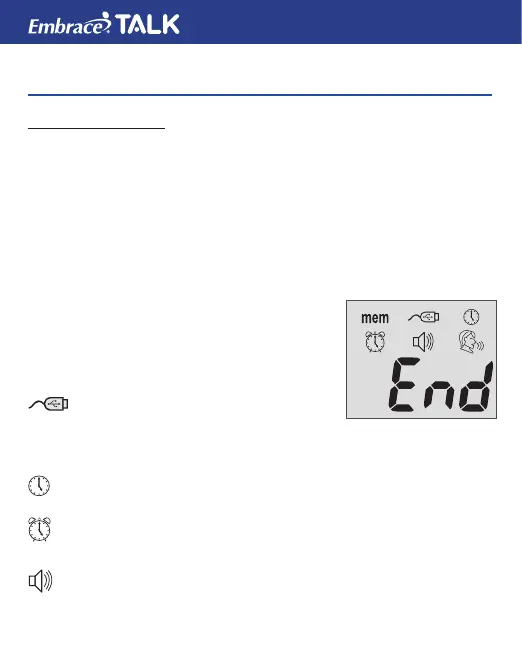
The Setup Screen
The Setup Screen of the Embrace TALK Monitor allows you take
advantage of the advance functions of this Monitor. Simply press
and release the middle button for setup screen. Use the ▲▼ buttons
to navigate to the desired function icon. When the icon is ashing
press and release middle button to enter that function. Use the up
or down arrows for the desired setting then press and release the
middle button to set . To exit use the up or down button to navigate to
the END of Function mode press and release the middle button. The
monitor will announce each function when the
voice feature is on.
MEM .................. Stored blood and control
solution test (see page 38).
CABLE ............... Press the buttons to enter PC
Link Mode for data transfer to
PC*
*This function is not available yet.
CLOCK: ............. For setting the year, date & time (see page 11).
ALARM CLOCK
.. For setting up the Alarms (see page 14). The
monitor has 3 alarm settings (see page 14).
HORN: ............... Set sound volume or turn off the voice feature. Setup
(see page 16).
mem



 To Next Page