8
International.
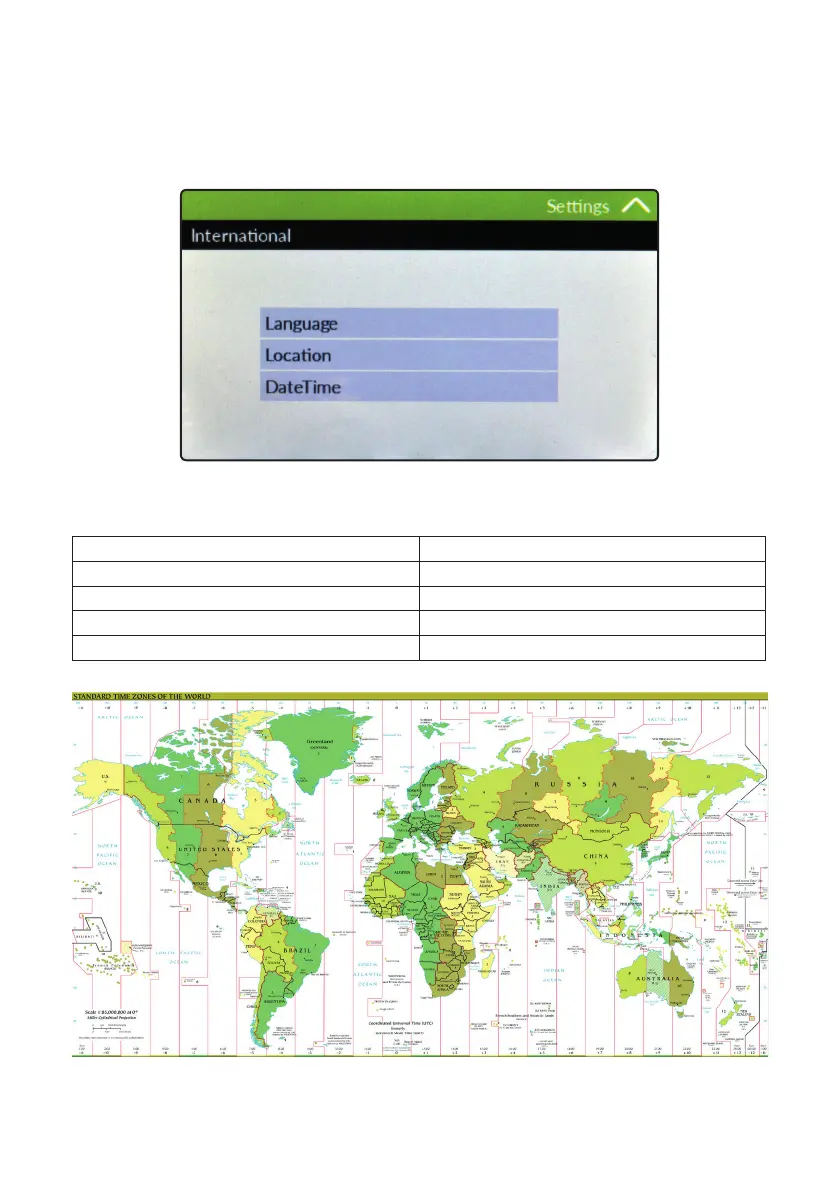
Before to program the controller please setup Language, Location and local Time & Date (Settings / International).Since
the controller activities are based on time is essential to setup time and date prior to anything. Within International menu
please choose language and location for proper units format.
Based on location units change according to local rules. To end procedure tap on tick icon for each change.
EUROPE IS (Internationl Standard) USA
Date (DD/MM/YY) Date (MM/DD/YY)
Time 24h Time AM / PM
°C Celsius °F Farhenheit
Liters Gallons



 To Next Page