15
9.1 “Probe Calibration”, °C - Temperature
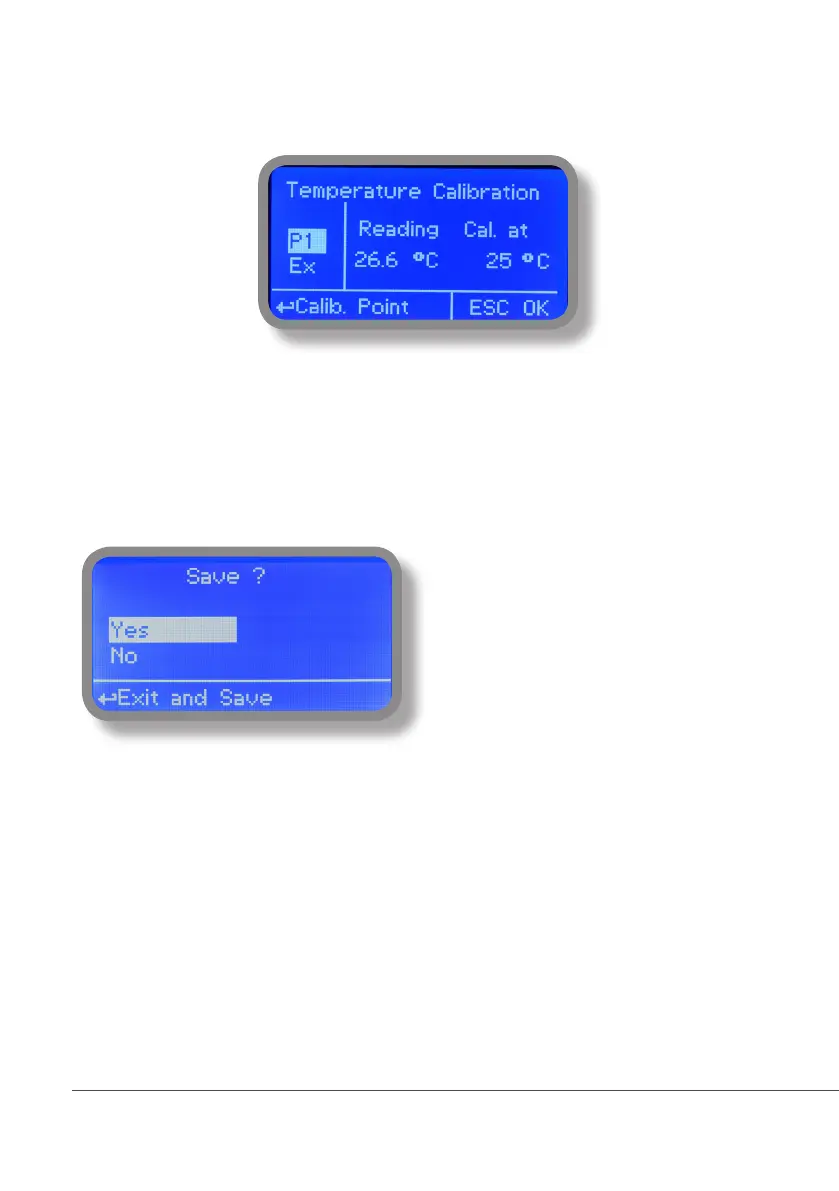
A professioanl thermometer is required to obtain a reliable calibration. From “Menu Calibration” choose “Temp probe”.
Note: This procedure assumes that instrument is correctly installed and congured, connected to a working
PT100.. Calibrate using plant’s temperature otherwise unattended results may occur.
Using an external thermometer read actual temperature and edit related eld “Cal. at”. Conrm by pressing wheel.
To end procedure move cursor on “OK” and press whe-
el to proceed to “Save” request screen. Move wheel on
“YES” to save or “NO” to discard changes. If an error oc-
curred during calibration procedure then the instrument
will show an error message and will ask to proceed to a
new calibration, cancel current operation or restore de-
fault settings.



 To Next Page