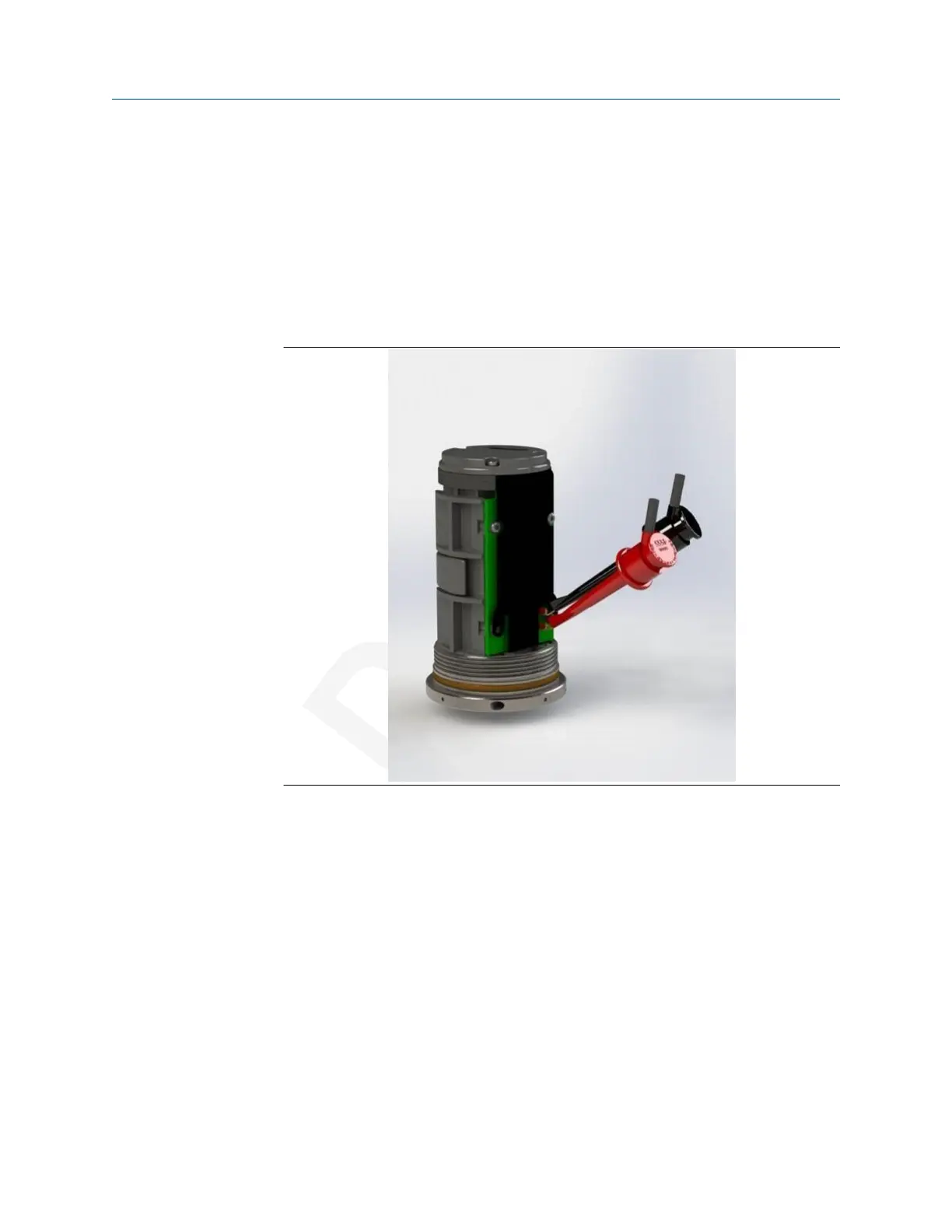
2.1.1 Pre-configuration
The AMS Wireless Vibration Monitor is shipped with the battery disconnected to comply
with safety requirements. You need to connect the battery to the device before you can
configure the device.
Procedure
1. Remove the cover of the device.
This exposes the HART ports.
Use an Allen wrench or a small screwdriver and put it through the Tool hole to use
as leverage while loosening the cover.
Safety note: Exercise caution when using your bare hands to remove the cover.
2. Attach the battery connector, insert the battery, and then lock it into place.
3. Connect the device to a computer or field communicator through the HART
connectors on the side of the device.
4. Configure the device.
• To configure the device using AMS Device Manager, see Configuration with AMS
Device Manager.
Configuration User Guide
July 2020 MHM-97927-PBF
14 MHM-97927-PBF, DRAFT














 To Next Page