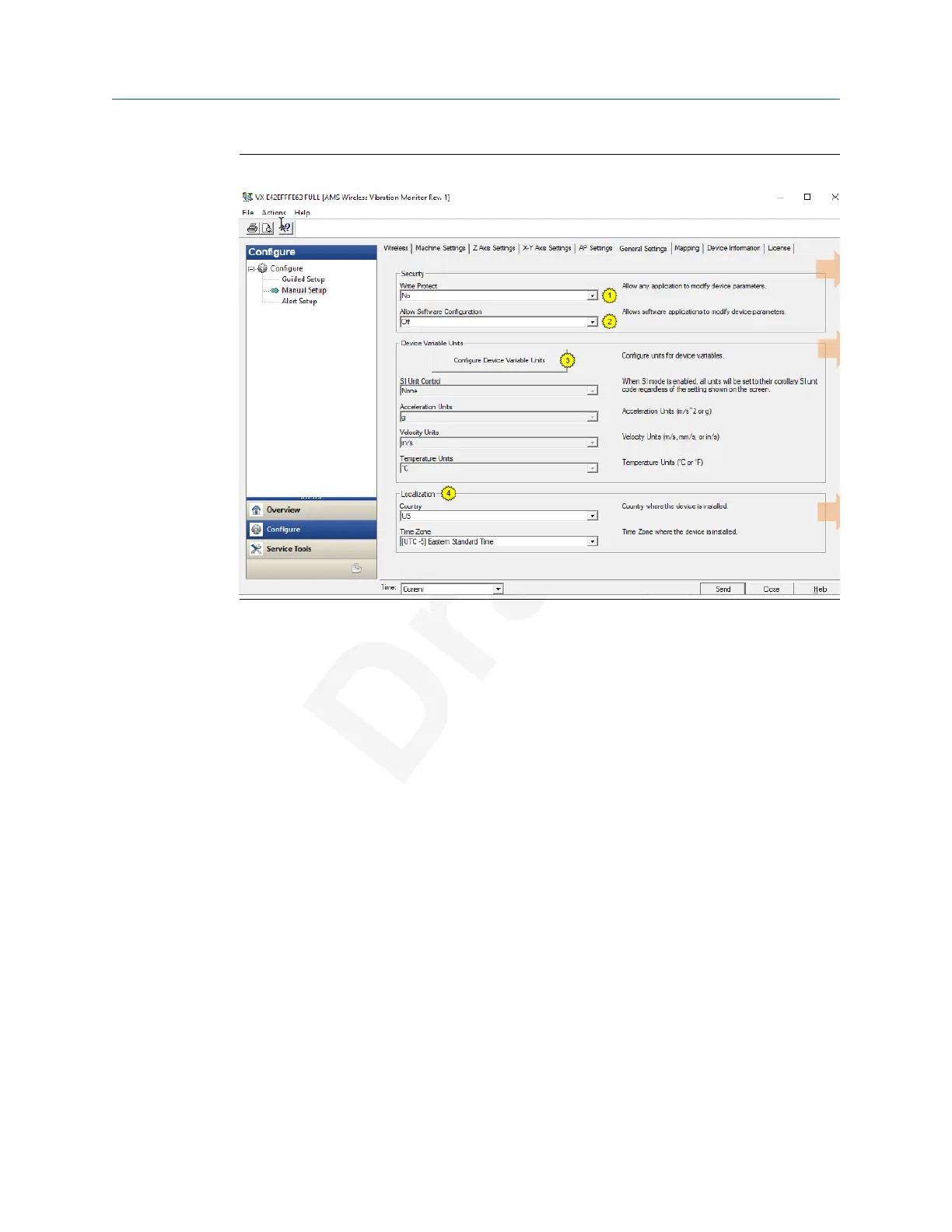
Figure 2-4: General Settings tab
Click Write Protect to allow or block an appliocation from modifying the device
parameters.
Click Allow Software Configuration to allow or block software appliocations to modify the
device parameters.
Click the Configure Device Variable Units to specify the units for measurement for
acceleration, velocity, and temperature.
Use this tab to set the country and timezone where the device is located.
User Guide Configuration
MHM-97927-PBF July 2020
MHM-97927-PBF, DRAFT 31














 To Next Page