E-12 / Appendix E - Display/5x5Keypad CI-CW MICRO/CW EFM
Notes for Figure 12 (Continued)
Variables are shown below as they would appear in SNGL mode.
1) String
SITE_NAME
WEST SUNBURY PUMP STATION
CE ME
2) Analog
TOTAL_FLOW_RATE
1260.578
CE MI
3) Logical
FLOW_ALARM
OFF
CE MI AE NA
E4.1.7 Signing-Off
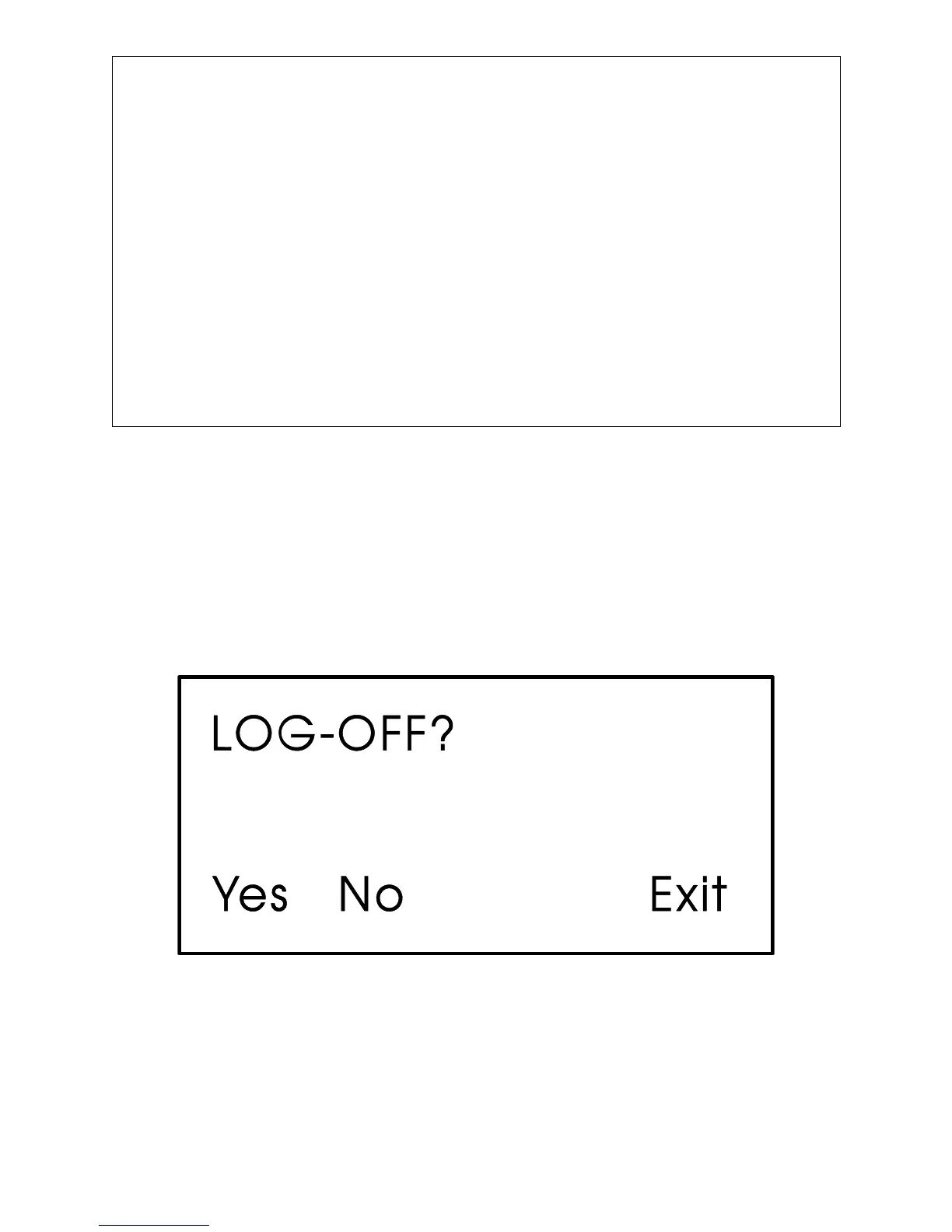
Once you have logged-on, use the [INIT] key at any time to log-off. When this key has been
pressed, the screen will look like Figure 13. Press Yes (F1) to sign-off. You are signed-off
when the Identifier Display (Figure 3C) appears.
If you do not want to log-off, press Exit (F4) to leave the Log-Off Display.
Once you are signed-on an automatic sign-off will occur if 20 minutes has elapsed since the
last key was pressed.
Figure 13 - Log-Off Display














 To Next Page