EXPLOSION HAZARD: Ensure the area in which you perform this operation is non-hazardous.
Performing this operation in a hazardous area could result in an explosion.
If you purchased one of the battery/solar panel options, note that the device ships with the battery
pack uninstalled. You need to install the main battery pack before you place the device in service.
The device provides a battery cable with two pairs of battery connectors, enabling you to hot-swap
the battery pack in a non-hazardous location.
1. Remove the battery pack from its packaging.
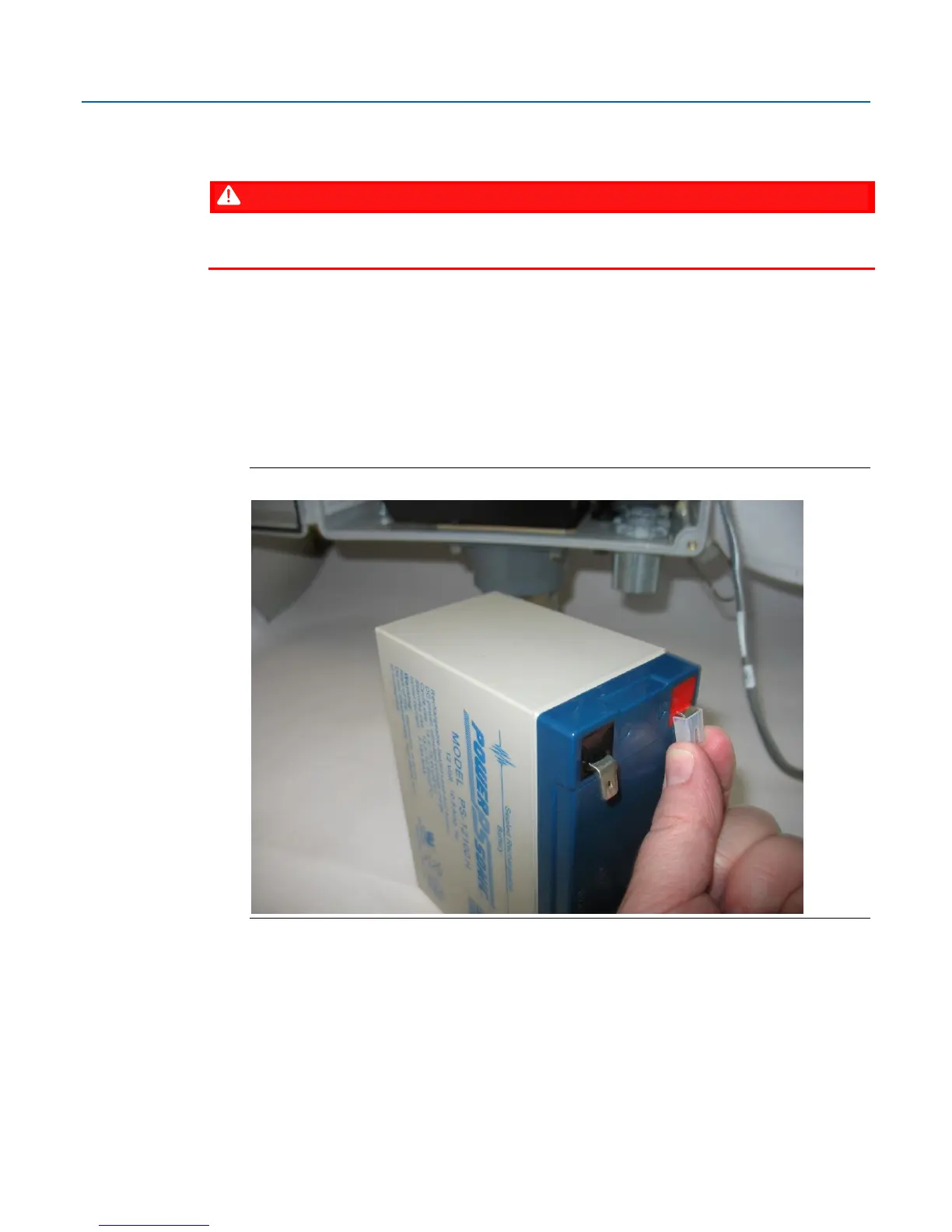
2. Remove the plastic tabs covering the connectors on the battery pack.
Removing Plastic Tabs from Battery Pack



 To Next Page
 Loading...




