ROC364 Instruction Manual
B-12 Local Display Panel Rev Jun/05
B.3.5 SYS Parameter Displays
The Main Menu selection SYS provides four displays showing current system parameters. Press HOLD
to stop the display from automatically scrolling between displays. Press SCAN to place the display in
HOLD. To return to the Main Menu display, press MENU.
B.3.5.1 SYS Parameter Display 1
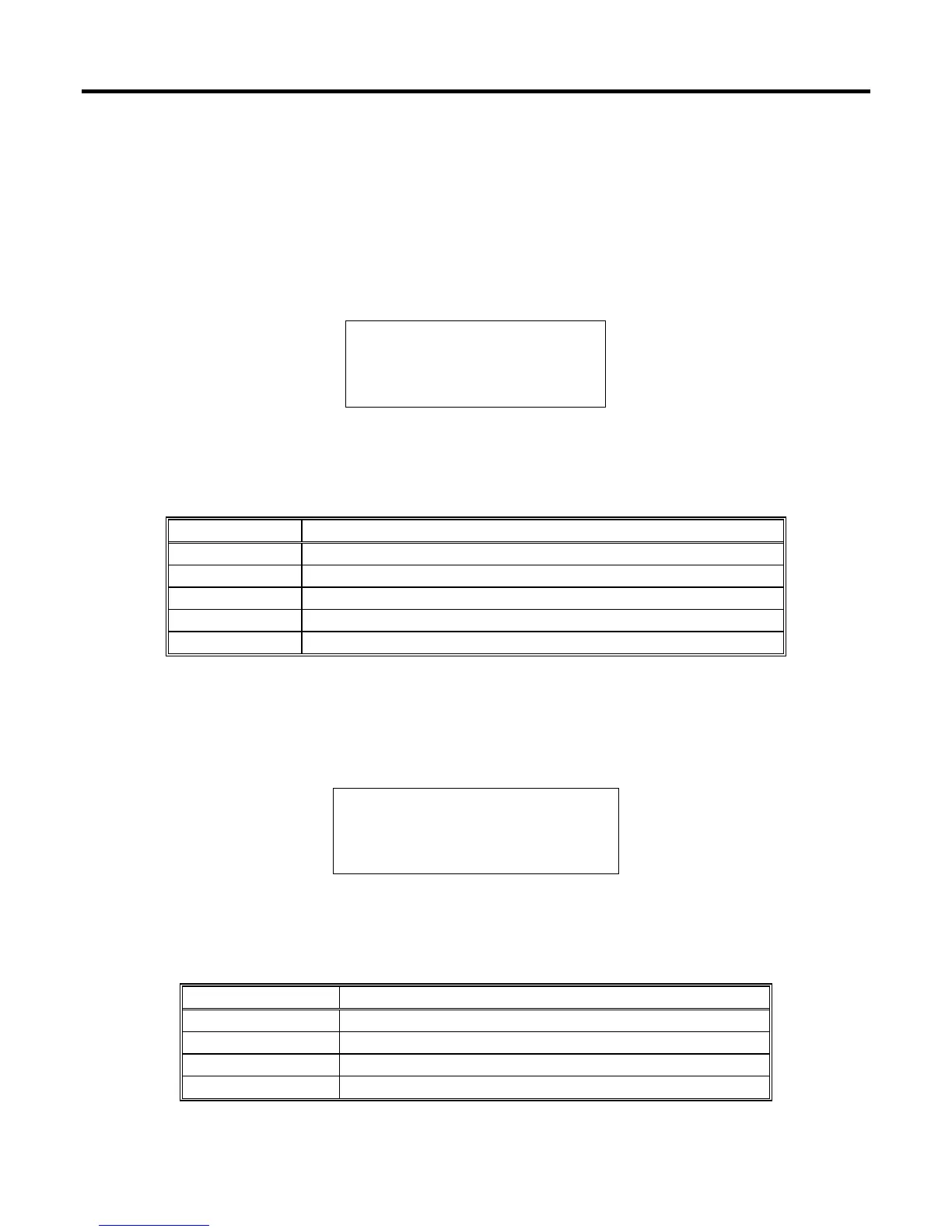
Figure B-16 shows a typical SYS Parameter Display 1. Table B-9 describes the parameters returned in
SYS Parameter Display 1.
Station Name
ADDR 1
GROUP 2
14:52:12
11/11/04
SCAN PREV NEXT MENU
Figure B-16. SYS Parameter Display 1
Table B-9. SYS Parameter Display 1
Parameter Description
Station Name 20-character identifier for the location of the ROC.
Addr Number identifying the ROC Address.
Group Number identifying the ROC Group.
Time Current time kept by the real-time clock of the ROC.
Date Current date kept by the real-time clock of the ROC.
B.3.5.2 SYS Parameter Display 2
SYS Parameter Display 2 shown in Figure B-17 provides information about the ROC firmware. Table
B-10 describes the parameters returned in SYS Parameter Display 2.
W68067 Ver 2.23
Emerson FCD ROC300
Jan 15, 2004 13:51
SCAN PREV NEXT MENU
Figure B-17. SYS Parameter Display 2
Table B-10. SYS Parameter Display 2
Parameter Description
Version Name Part number of the firmware in the ROC.
Ver Version of the firmware in the ROC.
ID Emerson as creator of the firmware and the type of ROC.
Time Created Time and date that the firmware was created.



 To Next Page