3.0 Configure the wireless repeater using the
WPS button
1. Please check if your wireless modem/router has a WPS button. Also check
whether your wireless router has a properly configured internet connection.
2. Connect the EM4595 to a wall outlet. Please place the EM4595 close to the
modem/router during setup.
3. Wait for the LED to turn green.
4. Press the WPS button on your wireless router for approximately 3 seconds*.
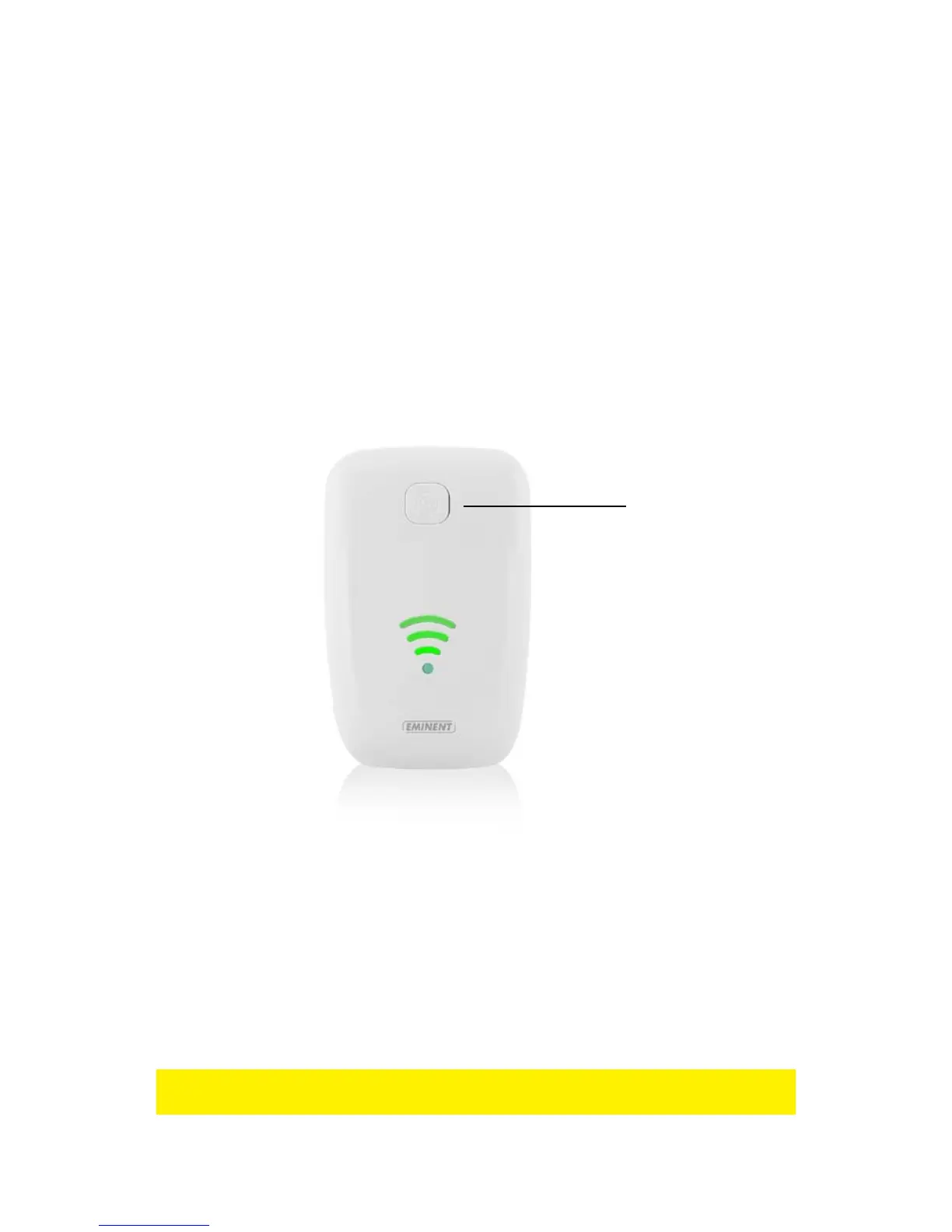
5. Now press the WPS button on the EM4595 Wireless Repeater for approximately 5
seconds. Refer to the following image for the WPS button:
6. The connection between your wireless router and the EM4595 wireless repeater
will be established automatically (this will take approx. 1 minute including reboot).
The smart led indicator will stop flashing and indicate the signal strength. Wait
until the WiFi led turns blue.
*Refer to the manual of your wireless router for the exact duration of pressing the
WPS button. This can differ from brand or model.



 To Next Page