6.0 Access Point mode
1. Connect the EM4595 to a wall outlet (preferably close to the modem/router).
2. Wait for the signal indicator to turn green. This will take approximately 1 minute.
3. Connect to the EM4595 via Wi-Fi SSID: Eminent_repeater, or use the Ethernet
cable to connect to the EM4595 directly.
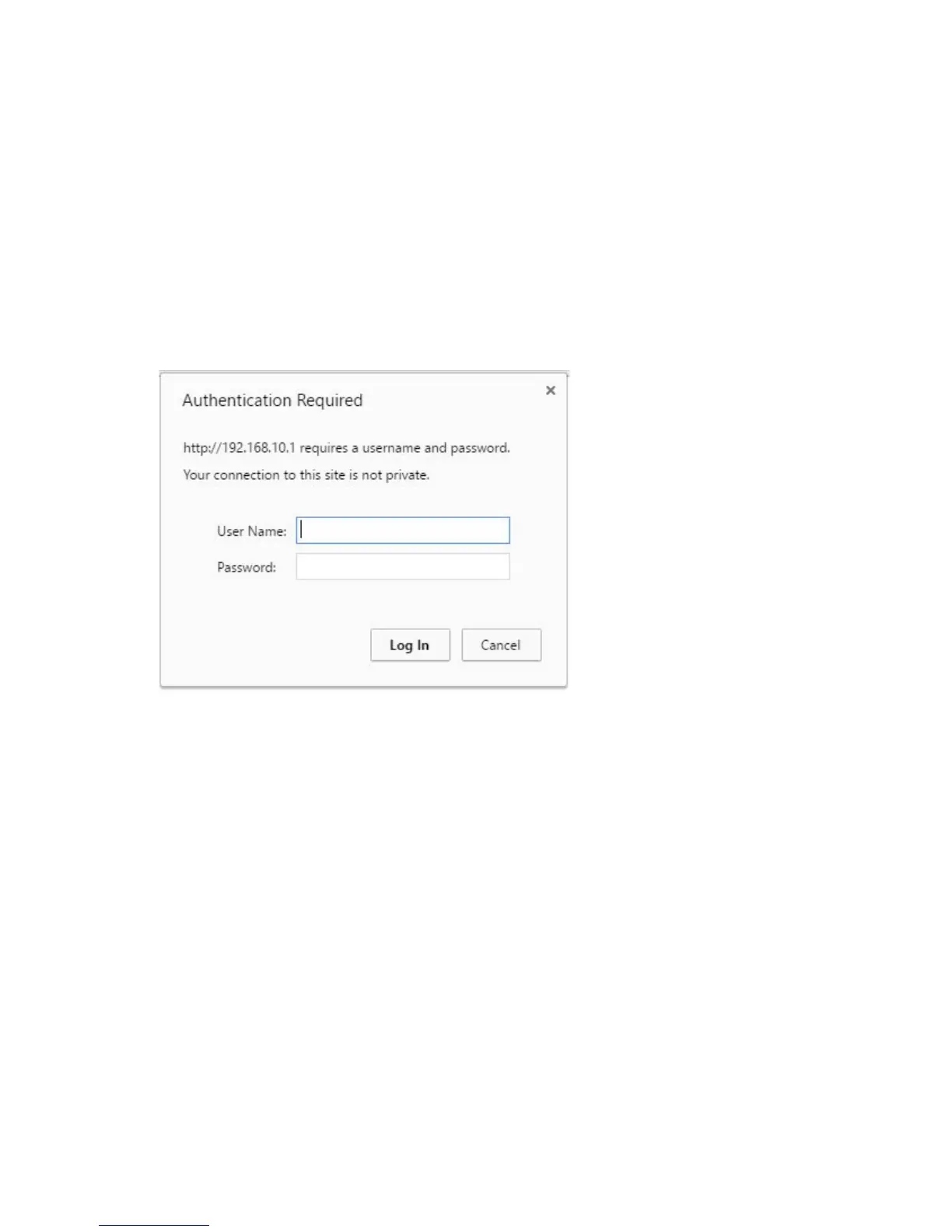
4. Open your internet browser and type http://192.168.10.1 in your internet browser
and then hit Enter.
5. The login screen will appear. Enter the Username: “admin” and Password:
“admin”, then click “Log in” to login.
6. The Repeaters menu will appear.



 To Next Page