1 Getting Started
1.1 Power ON/OFF
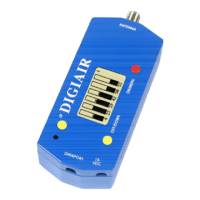
To turn the unit ON, simply push the red ON/MENU button during about a second (the unit is battery operated).
The unit starts in Single channel mode, showing the signal on the meter. To turn the unit OFF, push and hold
down the yellow OFF/DOWN button.
1.2 Power supply and battery
DIGIAIR can be fed by an external power-supply through the 15 VDC port, by using 9 Volt (minimum 8 Volt and
maximum 10 Volt). This is useful in case that the battery goes empty during an installation.
To turn the unit OFF when the unit is fed by an external power-supply, You must first disconnect the power cable
and then push and hold down the yellow OFF
/DOWN button.
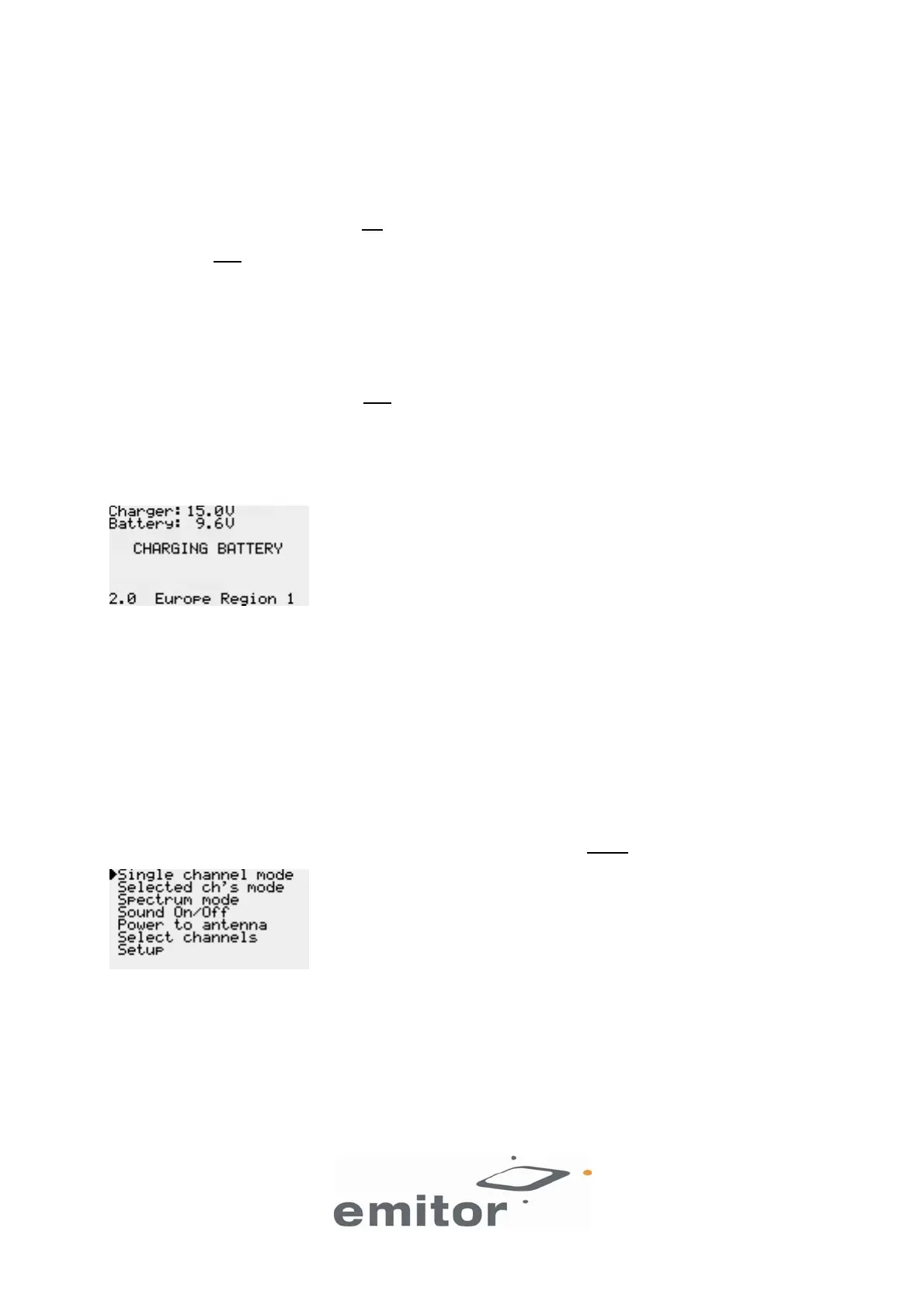
The unit starts automatically when it is connected to an external power-supply. If the power is more than 13.5 Volt
the unit will start recharging the battery. A discharged battery takes at the most 14 hours to recharge. The
recharging is controlled by the units microprocessor and is indicated on the display. When the battery is fully
charged it reads BATTERY CHARGED.
A rechargeable NiMe battery is integrated in the DIGIAIR instrument. Apart from recharging the battery the unit
does not need any particular maintenance. The unit should be recharged when the battery is empty (indicated
with a battery-indicator symbol on the display in Single channel mode). It is preferably done with one of the
enclosed chargers (the power-supply or the car-charger).
A fully charged battery is operational for more than an hour (depending on the external antenna load).
1.3 How to connect
Start by connecting the antenna.
1.3.1 Operation and Menu system
The following menu is shown on the display when pressing down the red ON/MENU button:
This is the main menu. Use the yellow buttons to scroll up and down in the menu system. Use the red button to
enable the selected function.
3(7)


 To Next Page