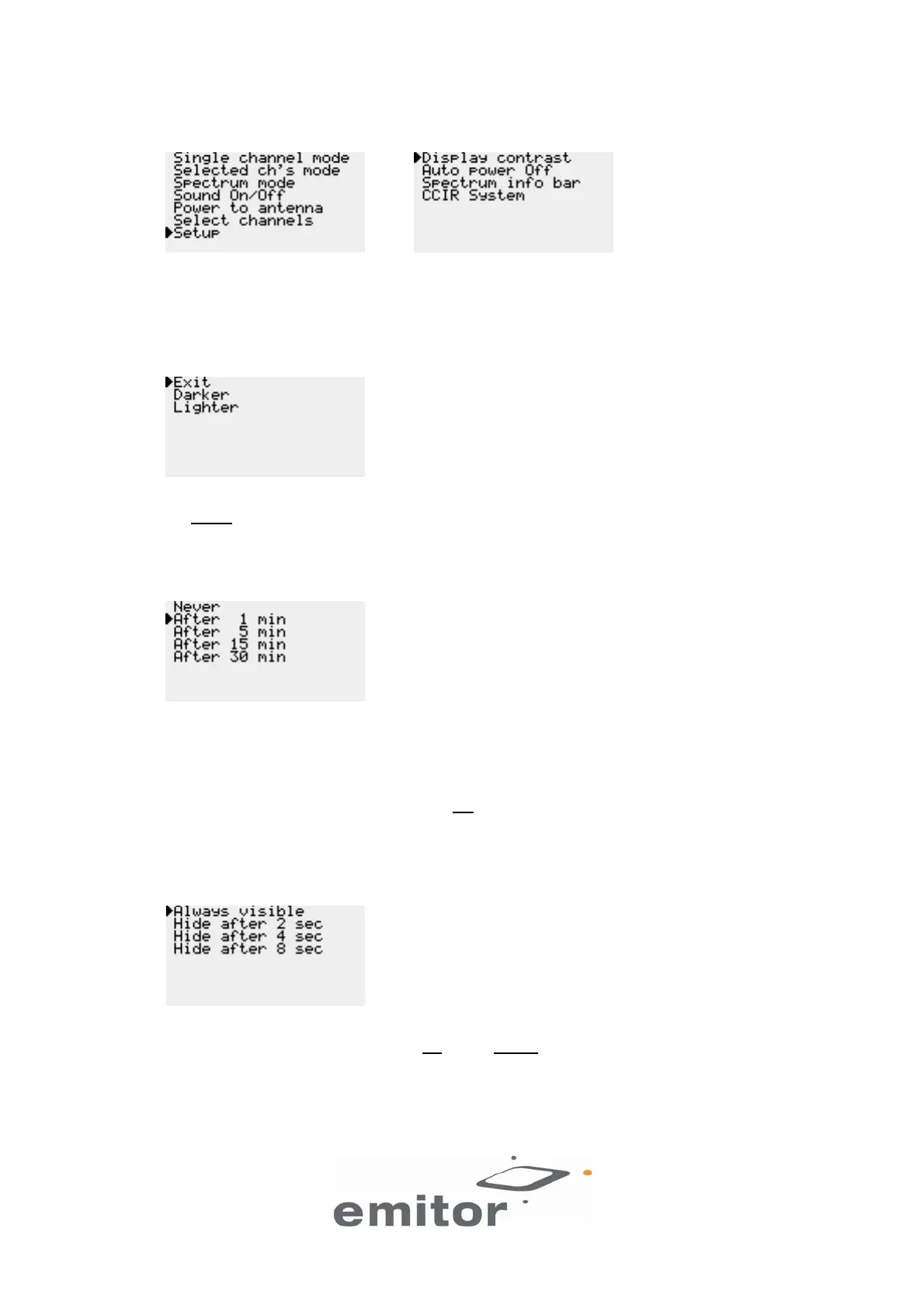
2.7 Setup
NOTE: On some models only one CCIR System is available. The CCIR System option in the Setup
submenu is not present on those models.
2.8 Display contrast
To adjust the contrast of the display, move the cursor to Darker or Lighter and repeatedly push the red
ON/MENU button.
2.9 Auto power Off
The unit can be automatically switched off after 1 min, 5 min, 15 min or 30 min. The factory setting of
this function is 1 min. The unit will only switch off if you have not touched any buttons during the
selected time. To disable Auto power Off set it to Never.
Tip: Set Auto power Off to 1 min when you are not using the unit and it is kept in for example in a bag.
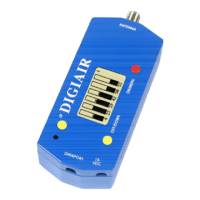
Otherwise the battery may go empty if the red ON
/MENU button is accidentally pressed down and the
unit turns on.
2.10 Spectrum info bar
Select if You want the information in the Spectrum mode to be Always visible or hidden after 2, 4 or 8
seconds when You have not touched the UP
or OFF/DOWN buttons.
6(7)


 To Next Page