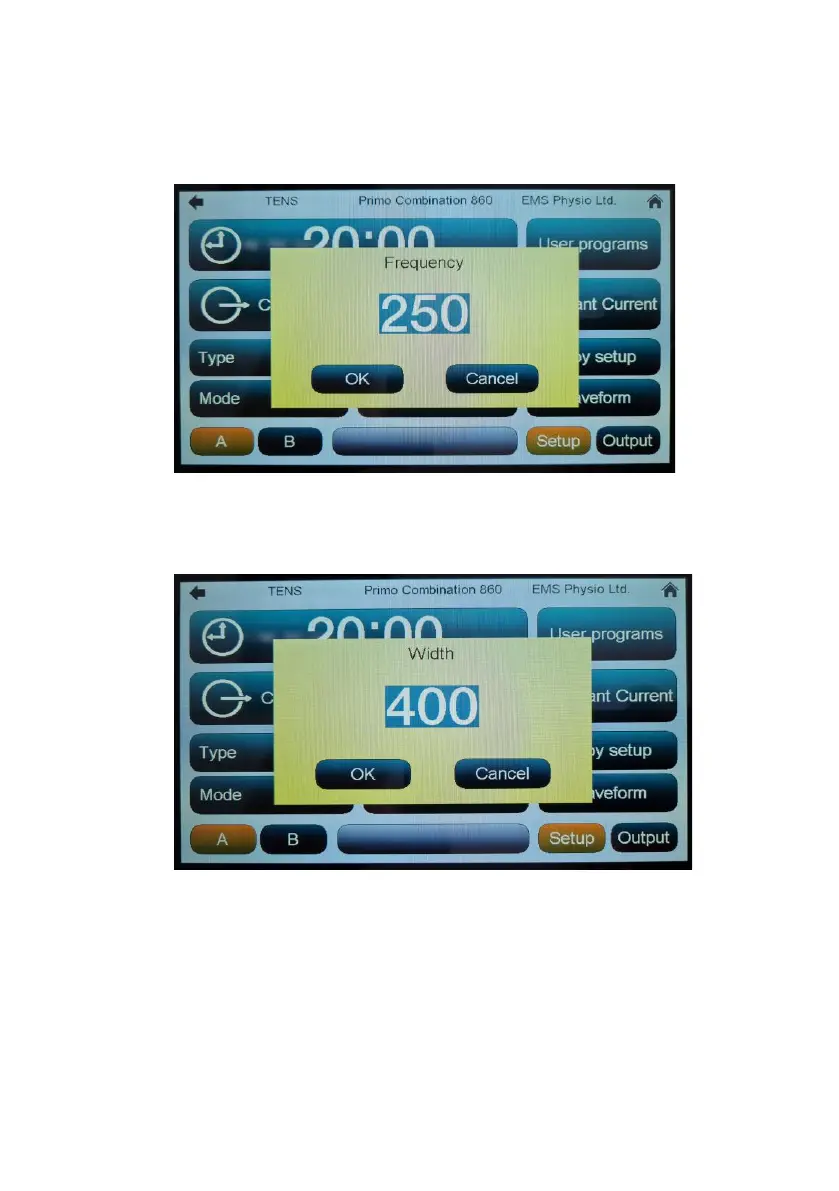
‘Frequency’: Touching this button opens a new window. The pulse
frequency may be set from 40 to 250 Hz in 1 Hz increments by touching the
numerical digits and then touching OK.
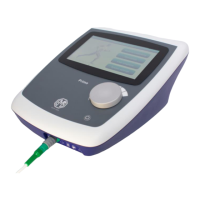
‘Width’: Touching this button opens a new window in which the pulse width
may be set from 40 to 400 µs in 5 µs increments by touching the numerical
digits and then touching ‘OK’.
‘Mode control’: The TENS output may be continuous, burst or surged. Each
modulation type is selected by touching the ‘Mode’ button.


 To Next Page