Operating instructions
Power On Sequence and General Information
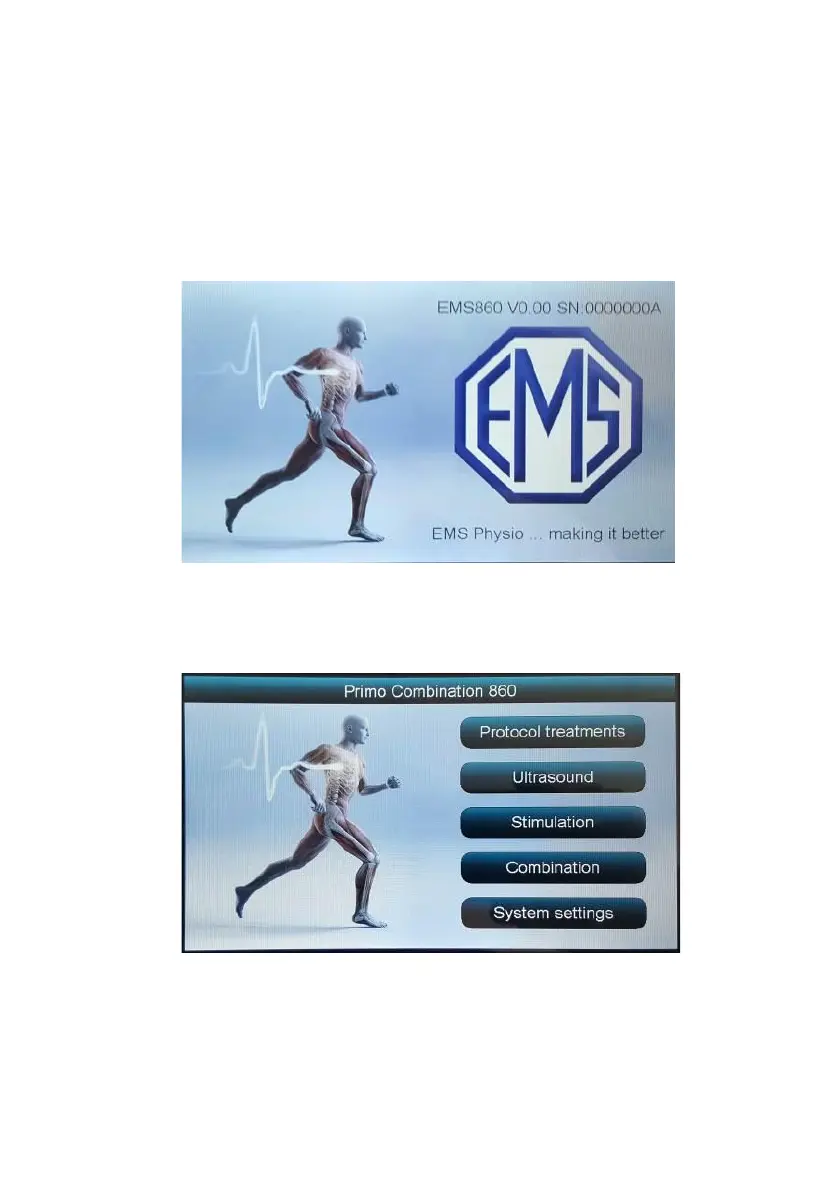
After the Primo Combination 860 is turned on a splash screen appears
showing the EMS company logo along with the model name, its serial
number and the installed software version.
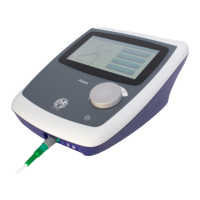
After a few seconds the unit will give a short beep and display the ‘Home’
screen.


 To Next Page