Ultrasound Set Up
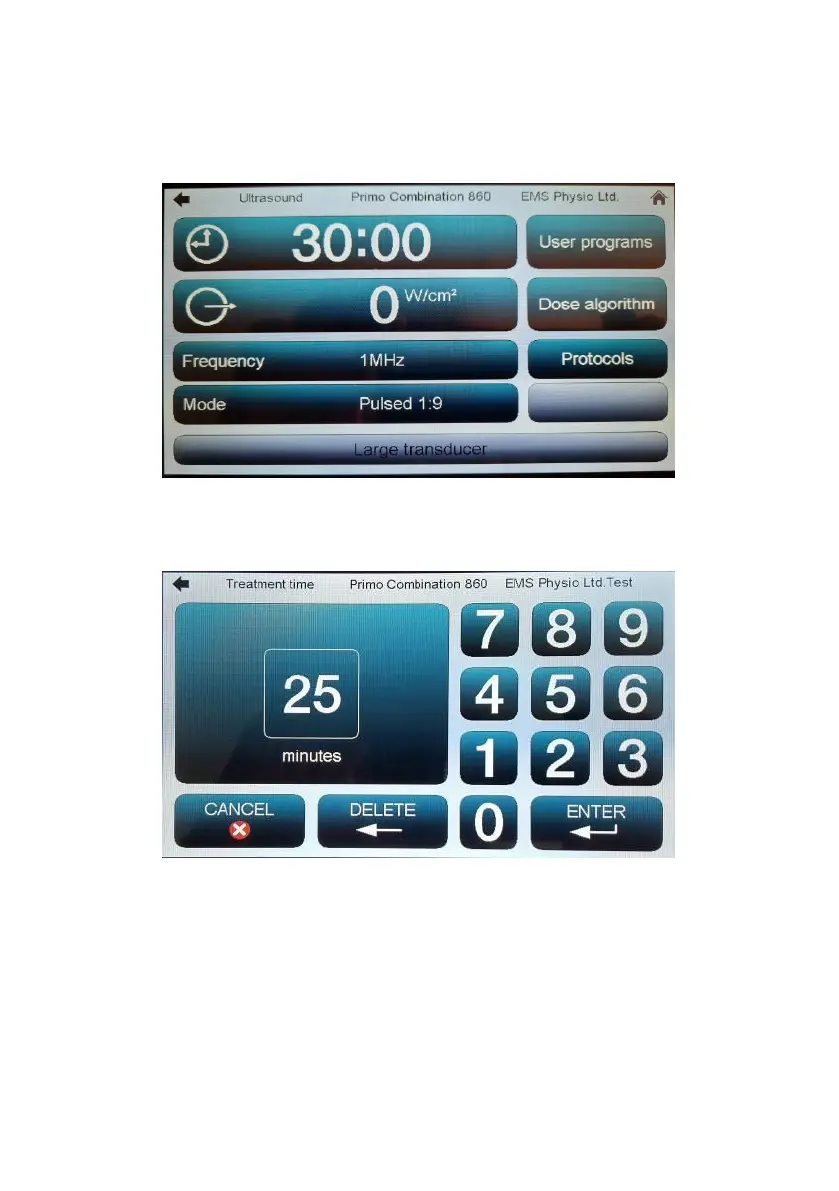
From the ‘Home’ screen, touch the button marked ‘Ultrasound’. The
Ultrasound set-up screen will appear.
Touch the screen on the digits of the time display to increment some
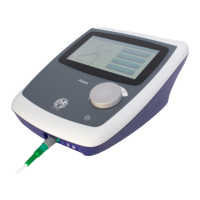
treatment time (maximum 30 minutes). Alternatively, touch the clock symbol
to bring up the following screen:-
Type in the desired time and touch ‘ENTER’ to return to the main screen.
Select the desired ultrasound Frequency and Mode (pulsed or continuous)
by touching the relevant field on the screen.


 To Next Page