Protocol Treatments
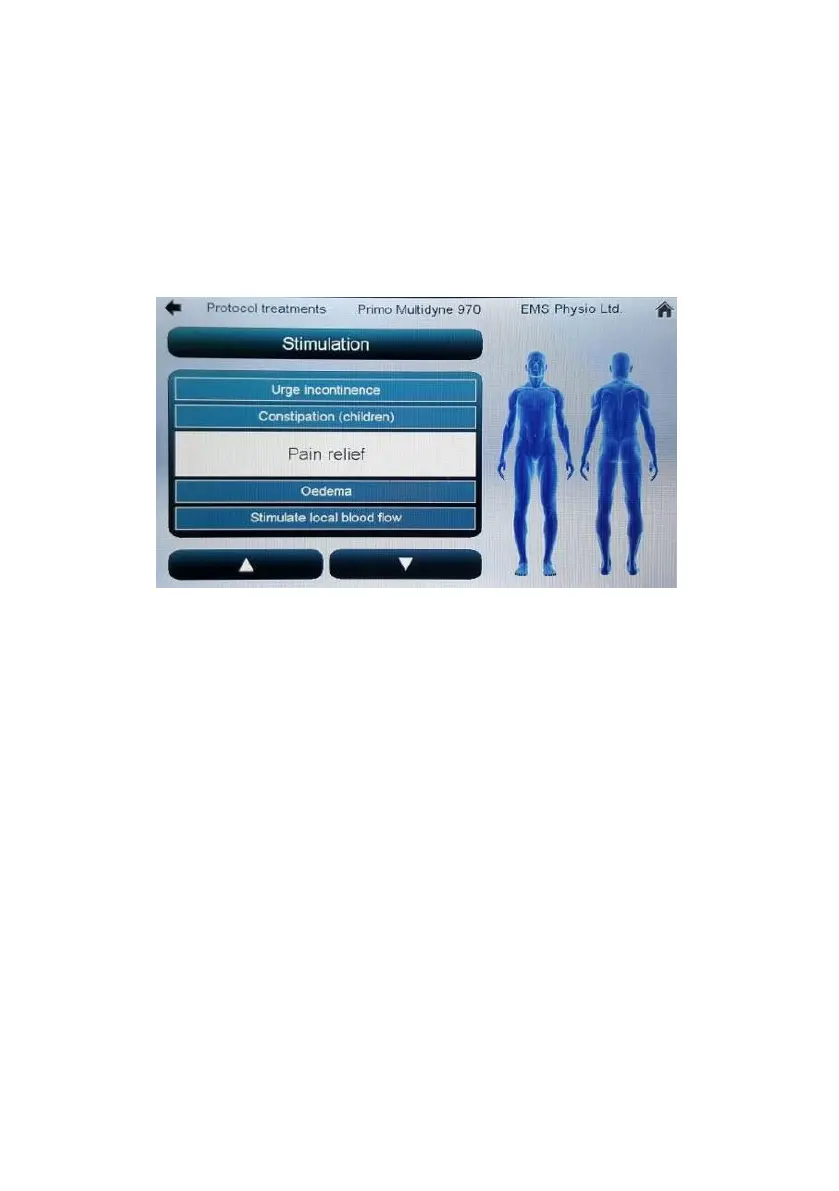
Touching the ‘Protocol treatments’ button will open a screen with a
scrollable list of clinical conditions and front/back human body image.
Touching different parts of the body will select a list of conditions specific to
that body area.
Touching the highlighted condition in the list will open a user screen with
the treatment parameters set for treating that condition.
Most parameters in a protocol treatment screen will be ‘greyed-out’ and not
adjustable by the user – the only exception to this is the constant current or
constant voltage selection button.


 To Next Page