EM TEST (Switzerland) GmbH CWS500 N1.3 / N1.4
User manual V 1.01 8 / 47
Unpacking and first installation
Unpacking
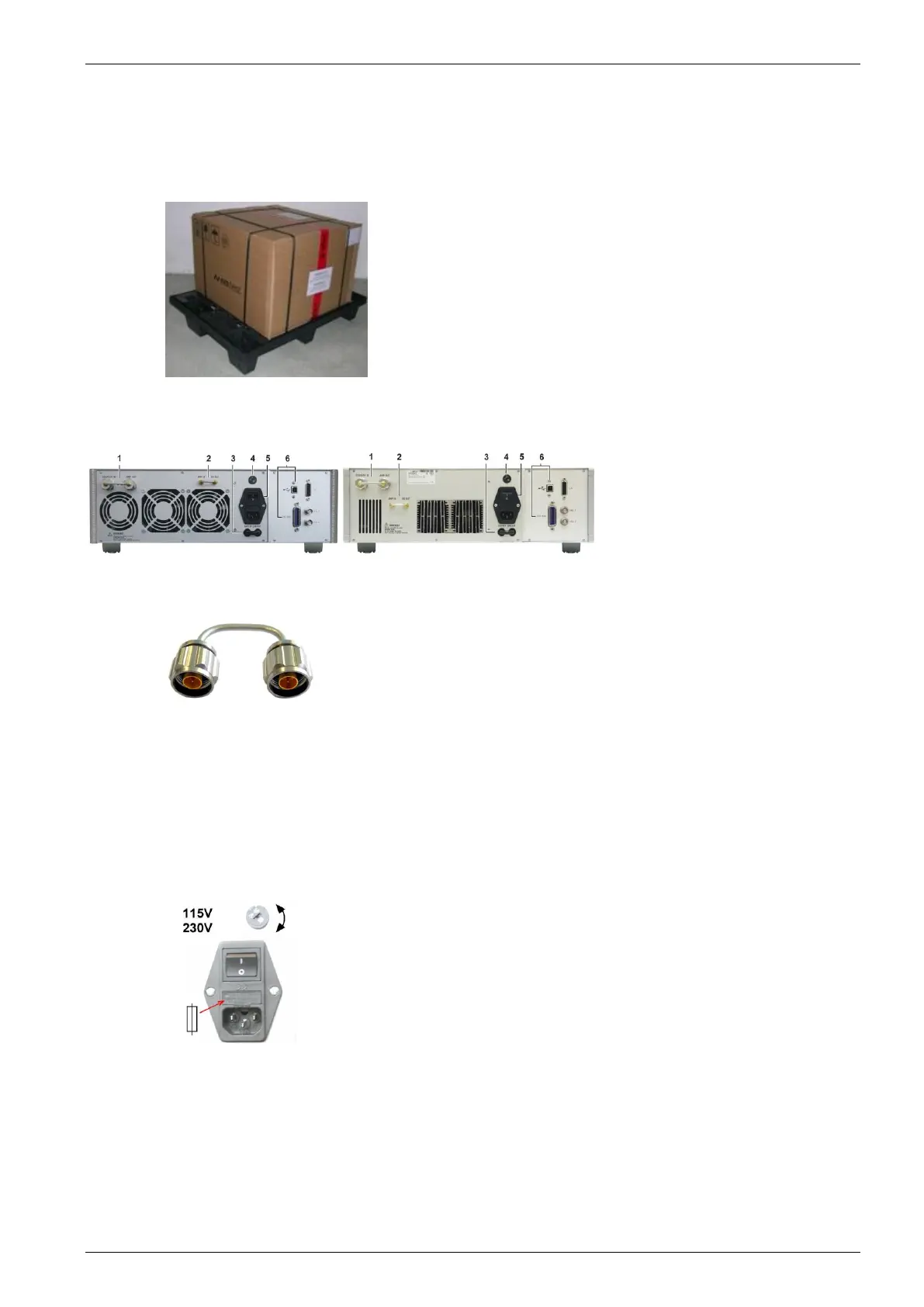
EM TEST tests the instrument before shipment and pack carefully on a transport palette. Each box is marked
with a detailed list of the contents.
Before activating the equipment, check if a damage
occurs during shipment. Check each container as well
as the generator itself. In case of physical damage,
contact an EM TEST representative before operating
the unit.
In case of a transportation damage do not throw away
any package material and contact immediately the
responsible forwarder and as well your local EM TEST
representative.
Fig 3.1 : example for shipping box
Checks after unpacking
1 Connection bridge
2 Bridge SG OUT – AMP IN
3 Safety Circuit
4 Voltage selector
5 Main Switch
6 Interface
Fig 3.2 : CWS 500N1.3 and CWS 500N1.4 rear side
1 Connection bridge
Connect the delivered N-connector bridge to the plug
COUPLER IN – AMP OUT
2 Bridge SG OUT – AMP IN
Check the RF bridge (SMA connectors) if the
connection is not damaged
3 Safety Circuit
Check the short circuit bridge for the safety circuit.
If required implement your own safety circuit.
(shielded cable required)
4 Voltage selector
Set the voltage selector to the correct voltage range.
Switch off the device before change the selector.
5 Main Switch
Switch on the device. After few seconds the display
will indicate the CWS 500N1.x model
6 Interface
Connect the USB or GPIB interface cable to the CWS
500N1.x for remote control. For software refer to the
sicd.control manual


 To Next Page