CR-2000 Instructions Rev 1.5 5
Date 6/28/2018
Find location on mounting surface that has an opening of at least 5 x 2.2 inches.
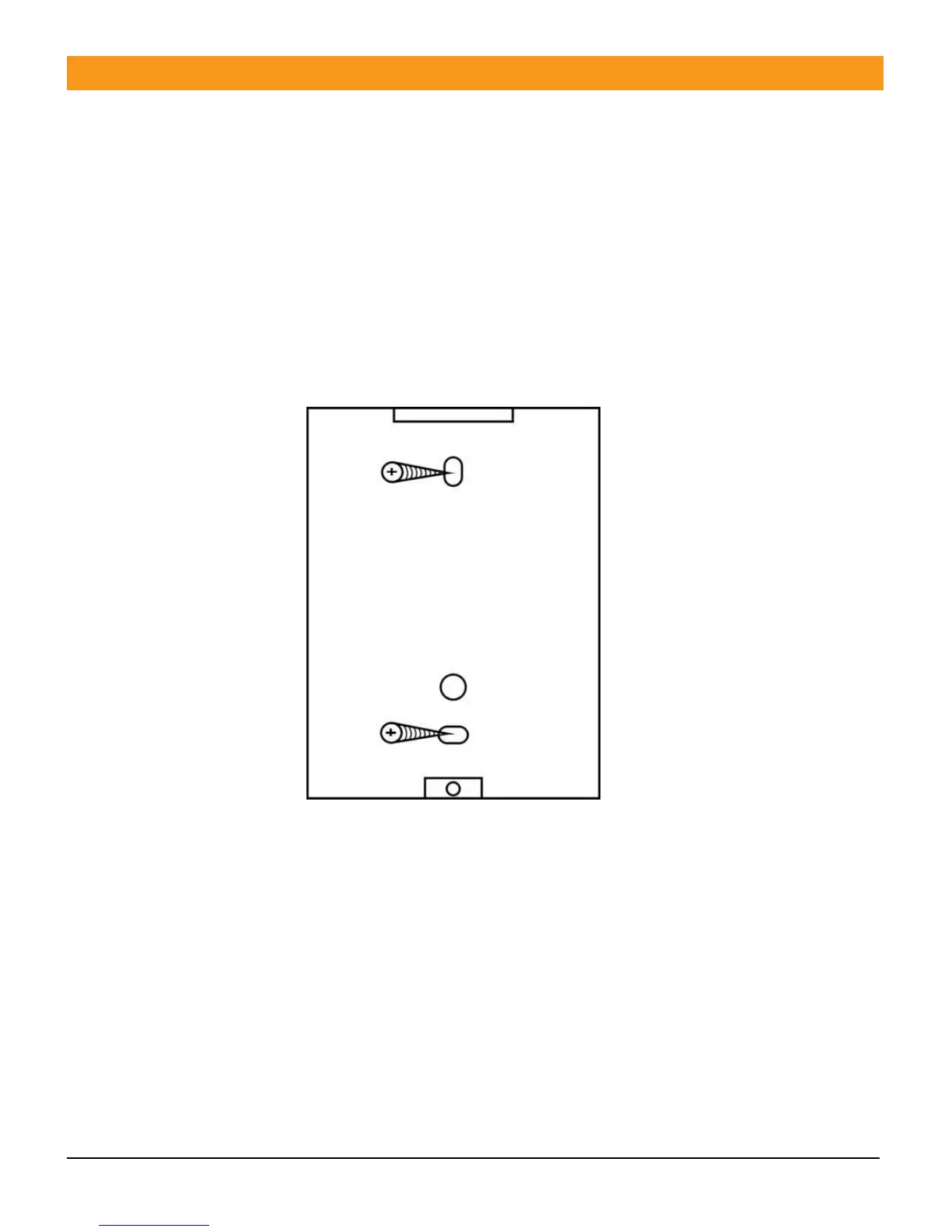
1. Remove mounting plate from the back of the unit to use as a template for the mounting
screws. (Figure 1.0)
2. Drill mounting holes and affix mounting plate to the surface. Also fits to ordinary wall outlet
junction boxes.
3. Make sure wires are routed so they are not damaged or shorted
4. Make connections per site requirements see schematics (Figure 2.0, 2.1, 2.2)
5. Install front cover to back cover and tighten unit in place.
6. Proceed to programming



 To Next Page