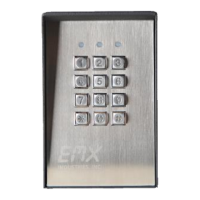
CR-2000 Instructions Rev 1.5 6
Date 6/28/2018
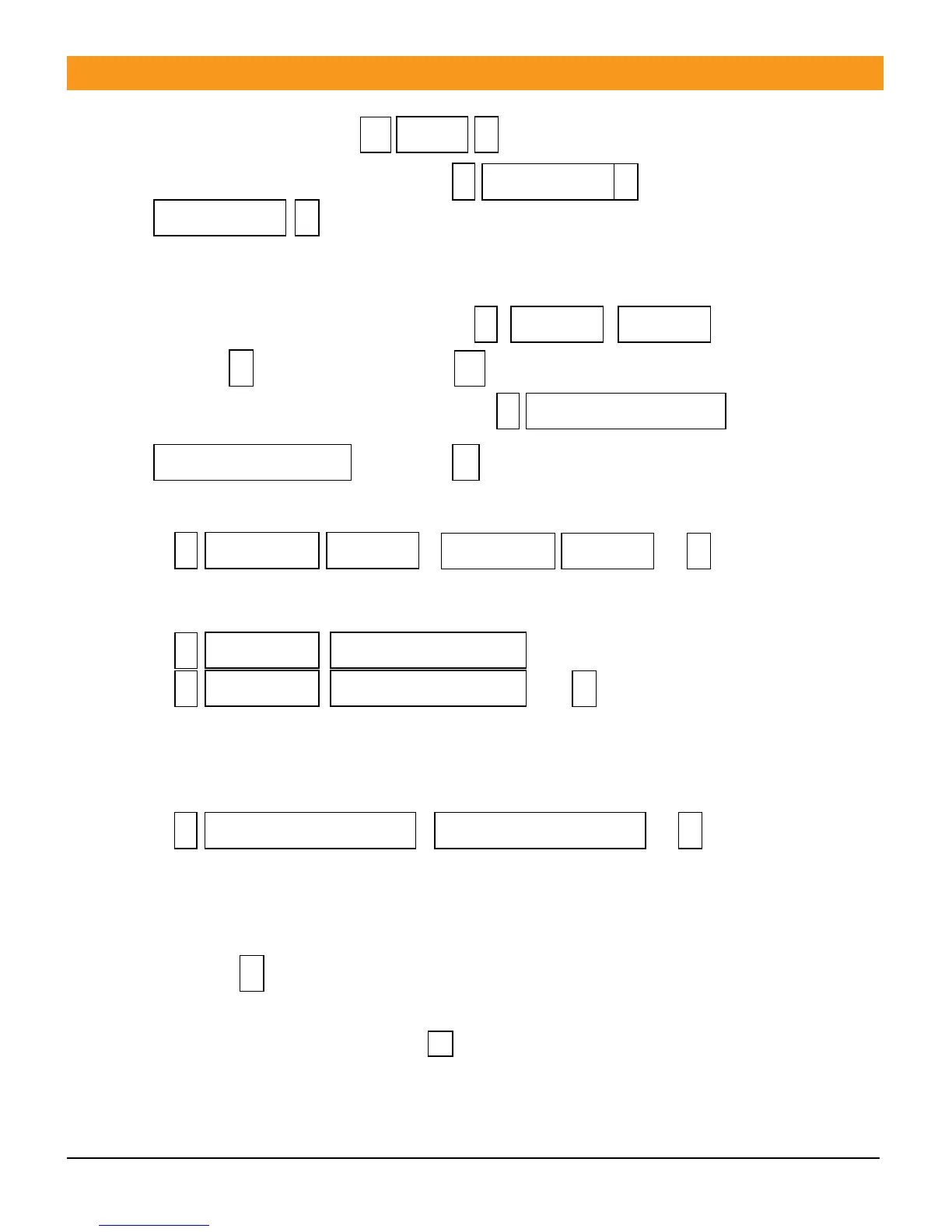
To enter programming mode press (system default)
1. To change Administrator pass code press , repeat
Note administrator pass code is 6 ~ 8 random numbers.
Please remember to record this new pass code for future reference.
2. Add Users
2.1 Adding cards automatic increase. Press , ,
… Press to end adding cards and to exit program mode.
2.2 Adding designated card(s) manually. Press ,
, …… Press to end adding card(s).
2.3 Adding cards to designated ID locations scan cards.
Press , , …
2.4 Adding cards to designated ID locations manually.
Press ,
, ….
Note: Input ID number is 1 ~ 4 digits Example (1), (01), (001), (0001) with the range being
1 ~ 2000.
2.5 Adding ID number and Password number manually.
Press , , …
This is for users with pass code only no cards. Code may be any four digit
combination except for (1234, this is reserved by the system).
Note: The key represents the pound symbol key in all instruction sequences.
You are still in program mode indicated by the solid RED light. You may exit the
program mode by pressing the key or wait until the unit has timed out, indicated
by flashing RED light.



 To Next Page