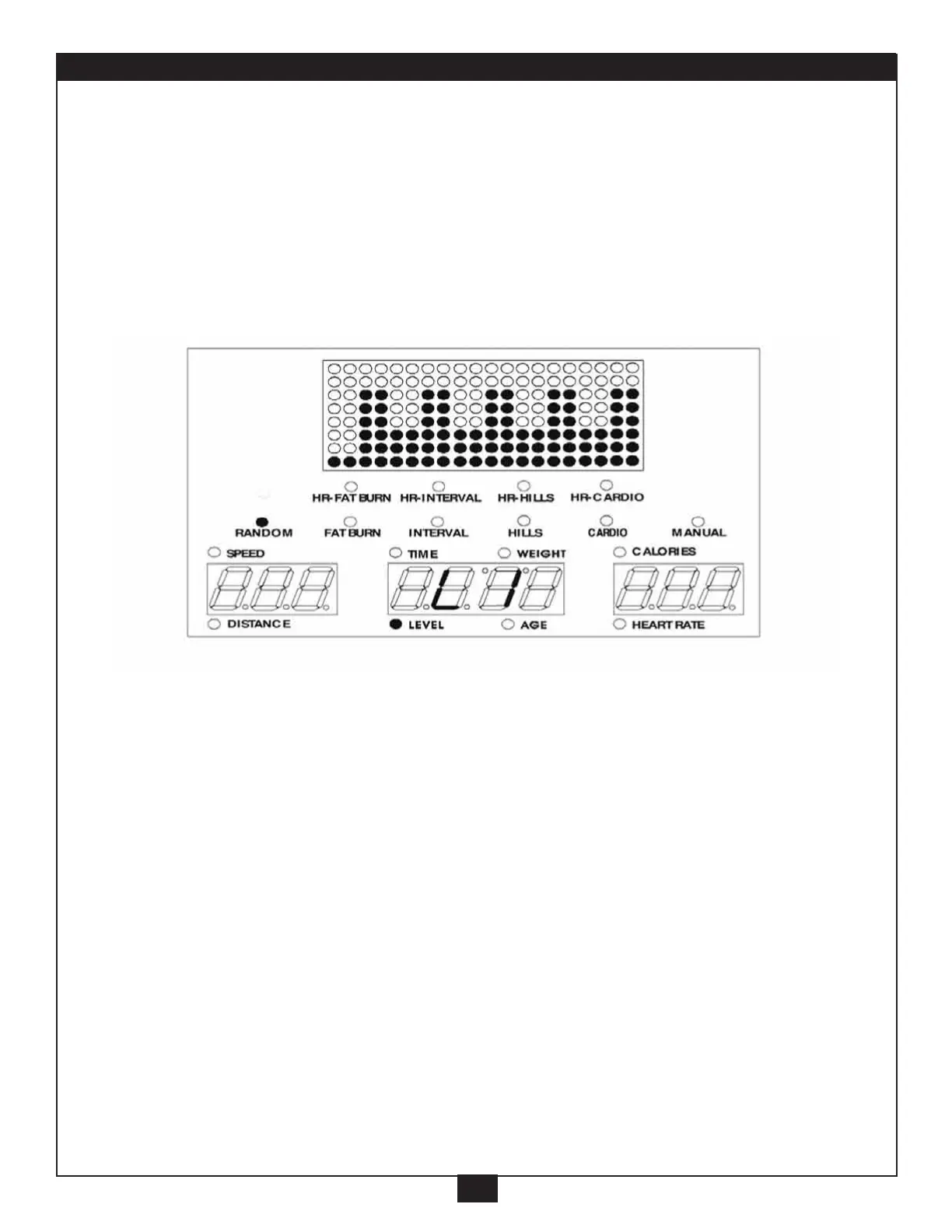
RANDOM
17
7. RANDOM program:
This program provides different combinations of increased and
decreased resistance designed to motivate and challenge. Each time
this program is selected, the computer generates a new course.
A. Press “Random” button (“Random” light will go on).
B. Setup the “LEVEL”,
*
Setup the same way as in the Manual program. (on pages 8 and 9).
Press “ENTER”.
C. Setup the “TIME”,
*
, Press “ENTER”.
D. Setup the “WEIGHT”,
*
, Press “ENTER”.
E. Setup the “AGE”,
*
, Press “ENTER”.
F. The Main Readout will scroll “PRESS START”.
Press “START” button, to start the program.
G. You can still adjust the level with the “+/-” button.



 To Next Page