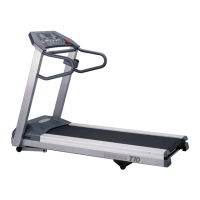
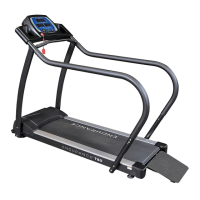
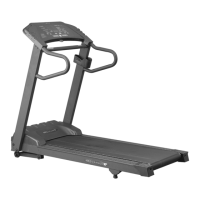
The New TREADMILL offers twelve preset programs, HILL, FAT BURN, CARDIO, CALO-
RIE, INTERVAL, STRENGTH, 5K RUN, 10K RUN, HR 1, HR 2, CUSTOM, a Gerkin protocol
based Fitness Test and one Manual program.
Preset Features:
To choose and start preset program:
• Select a program then press the ENTER key to begin customizing the program with
your personal data, or just press the start key to begin the program with the
default settings.
• After selecting a program and pressing ENTER to set your personal data, the Time
window will blink with the default value of 20 minutes. You may use any of the
UP/ DOWN/ FAST/ SLOW keys to adjust the time. After adjusting the time, press ENTER.
(Note: Except for program CALORIE, You may press START at any time during the
programming to begin with only settings you have modied at that point).
• The INCLINE window will now be blinking a value indicating your Age. Entering the
correct Age will affect the Heart rate bar graph accuracy and also needed for the HR pro-
grams. Use the UP/ DOWN/ FAST/ SLOW keys to adjust, you can also use numeric keypads
0~9 on the console to make adjustments, and then press ENTER.
• The INCLINE window will now be blinking a value indicating your Bodyweight.
Entering your correct bodyweight affects the Kcal readout accuracy. Use UP/ DOWN/ FAST/
SLOW keys to adjust, you can also use numeric keypads 0~9 on the console to make adjust-
ments, and then press ENTER.
• The SPEED window will now be blinking, showing the preset top speed of the selected
program. Use UP/ DOWN/ FAST/ SLOW keys or numeric keys to adjust, you can also use
numeric keypads 0~9 on the console to make adjustments, and then press ENTER. Each
program has various speed changes throughout; this allows you to limit the highest speed
the program will attain during your workout.
• Now press the START key to begin your workout.
Program Features
23


 To Next Page