6
Timer Function
2.4
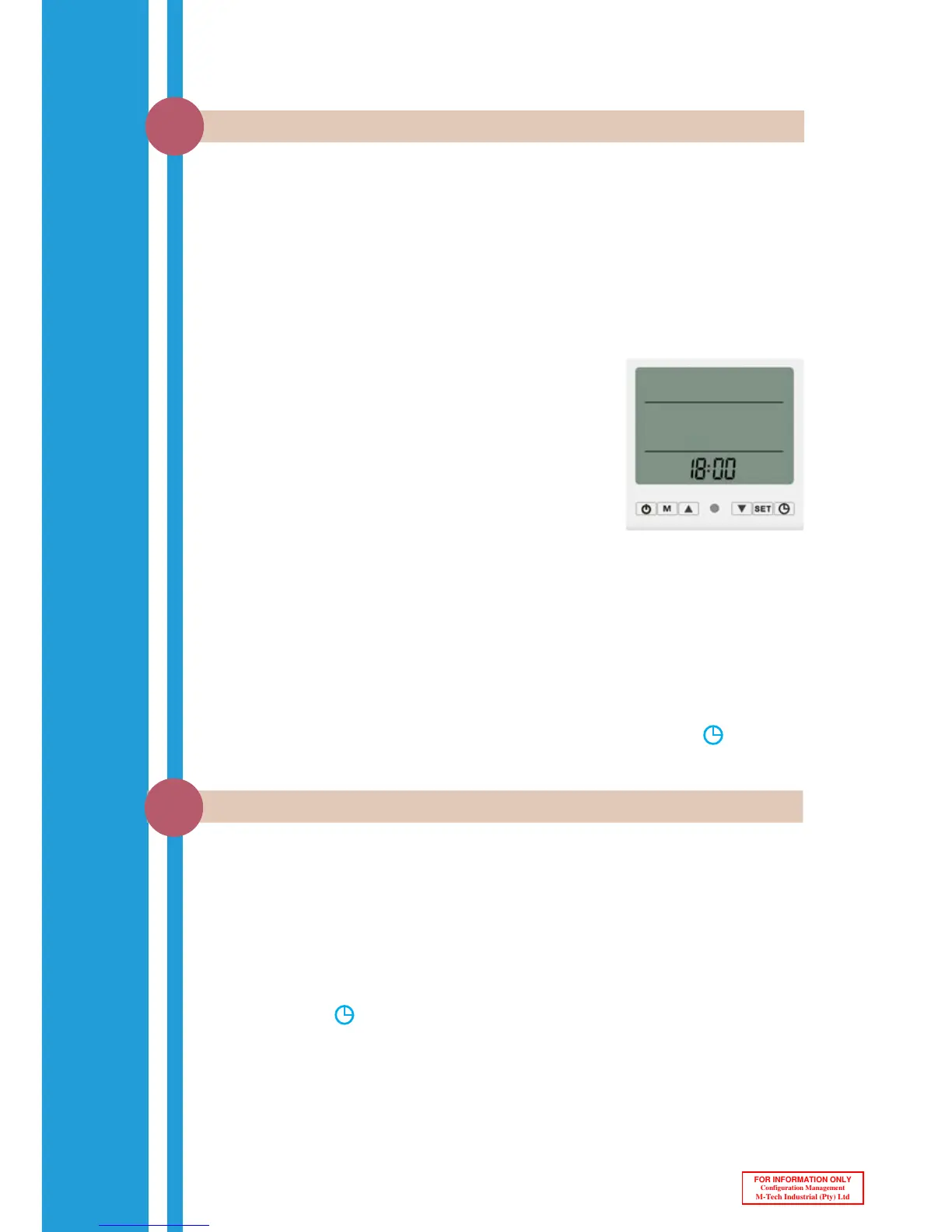
The Enerflow heat pump has intelligent control that can be optimised to run more
efficiently and also be adjusted to suit the user’s daily routing. As part of this control,
the time zones that the heat pump may operate in needs to be set up. The following
steps will help you to set the Day and Time settings required for the timer.
1. Press the SET button once.
(The Day will now be flashing.)
2. Make use of the buttons to change the Day.
(0=Sunday, 1 = Monday…6=Saturday)
3. Press the SET button again to acknowledge the Day
setting and continue to the Hours setting.
(The Hour position will now be flashing.)
4. Make use of the buttons to change the Hour.
(Change to the current Hour)
Press the SET button again to acknowledge the
Hours setting and continue to the Minutes setting.
(The Minutes position will now be flashing.)
5. Make use of the buttons to change the Minutes.
(Change to the current Minutes.)
6. Press SET to acknowledge the Minutes setting.
Time Setting
NOTE:
To lock or unlock the intelligent controller, press and hold the button and
the SET button simultaneously for a few seconds.
The Enerflow heat pump can be set to only run during specific periods of the day. This
function allows the heat pump to adjust to the user’s daily routine and ensures that
hot water is available when it should be. This function also ensures that the heat pump
can be set to operate mainly during the hottest part of the day when it is most efficient
and thus saving as much energy as possible.
Follow the steps below to set the Timer Function:
1. Press the button once to enter Timer 1 ON slot.
(The Hours and the “1 ON” sign will flash.)
2. Make use of the buttons to set the Hour.
(Set to the first start-up Hour)
Setting the Time & Day
2.3



 To Next Page