1717
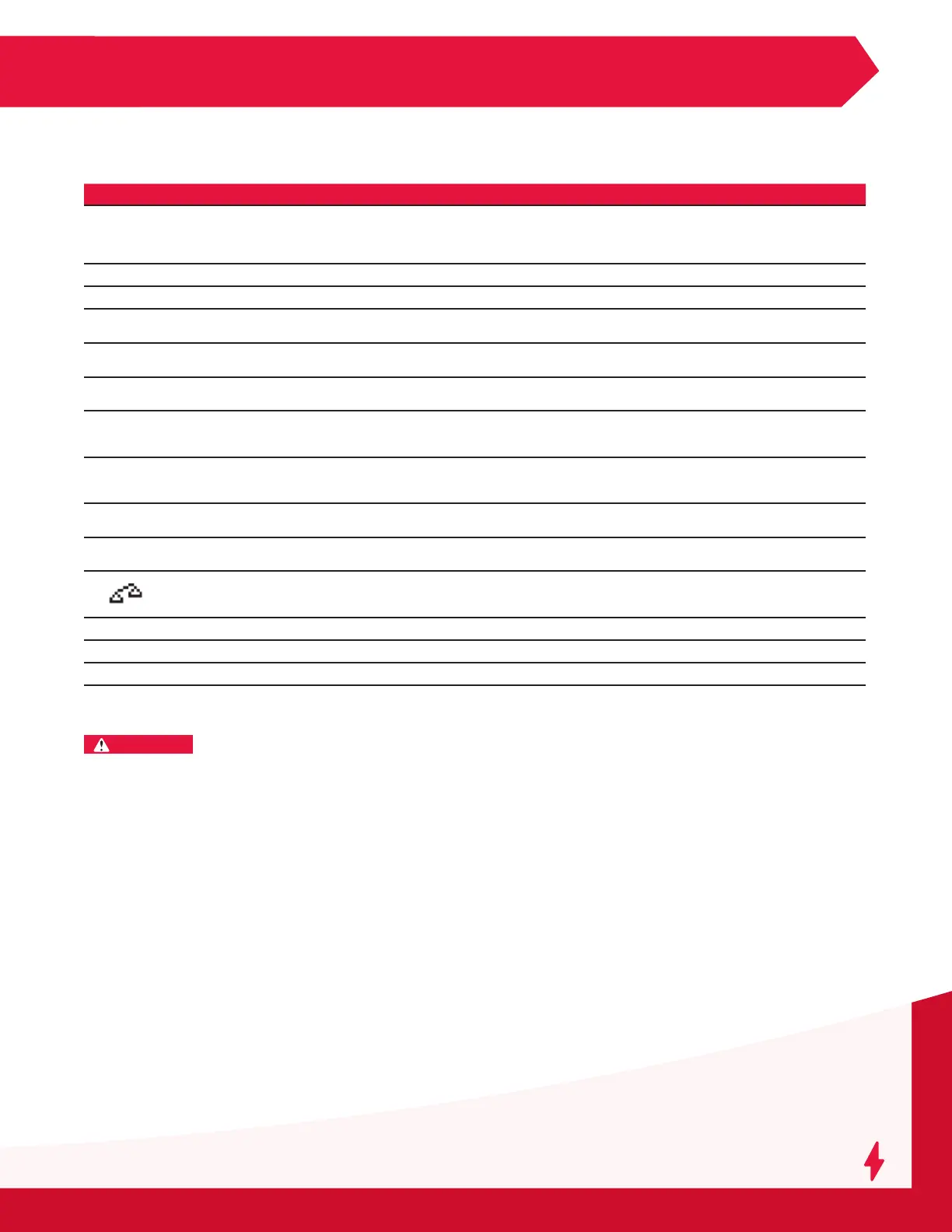
SERVICE & TROUBLESHOOTING
Service and Troubleshooting (cont.)
MOD TH
Module thermal fault (check the air ow, ambient,
refer to Module Status Description to check the
internal temperature sensor).
Check that the fan(s) is (are) working correctly and/or that the
ambient temperature is not too high or whether there is poor
natural ventilation to the charger. If all modules are in thermal
fault, a TH fault will follow.
MOD FUS Module output fuse damaged. Call for service.
MOD Err Module internal error. Call for service (check the Module Status Description).
MOD VBAT
Battery voltage is corrupted vs fuse voltage and
VLMFB vs Modules.
Call for service (check the voltage reading on the Module Status
Description).
BAT TEMP
Wi-iQ
®
battery monitoring device battery
temperature too high.
Battery needs to cool down.
TH-LOCK
Module is locked because of repetitive thermal
events.
Check the Exx, CDV le to reset the lock, or call for service.
POWER
MODULE
OFF
No CANbus communication between display
and module.
Check ribbon cable, AC mains, module plugged, idle = off or call
for service.
DF-TECHNO
Wi-iQ
®
battery monitoring device setting does not
match the charger type.
Check charger and Wi-iQ
®
battery monitoring device settings
(example Wi-iQ
®
battery monitoring device set for NexSys
®
battery charger with IMPAQ charger).
DF-VREG
Modules do not follow the regulation voltage
setting.
Call for service (replace the faulty module).
DF-ID
Menu setting does not match the module type
(ie: cell setting = 12V, module type 40 cells).
Use correct module.
Default of balance voltage detected by the Wi-iQ
®
battery monitoring device.
Check each battery cell during discharge. Control if the Wi-iQ
®
battery monitoring device is properly adjusted (see Wi-iQ
®
battery monitoring device instructions for mounting).
CANBUSERROR
CANbus error. Call for service.
DEFEEP Memory access denied. Call for service.
DEFRTC Clock access denied. Call for service.
Fault Cause Solution
WARNING
THERE ARE DANGEROUS VOLTAGES
WITHIN THE BATTERY CHARGER CABINET. ONLY A
QUALIFIED PERSON SHOULD ATTEMPT TO ADJUST
OR SERVICE THIS BATTERY CHARGER.
The charger requires minimal maintenance.
Connections and terminals should be kept clean
and tight. The unit (especially the heatsink) should
be periodically cleaned with low-pressure air to
prevent any excessive dirt buildup on components.
Care should be taken not to bump or move any
adjustments during cleaning. Make sure that both
the AC lines and the battery are disconnected before
cleaning. The frequency of this type of maintenance
depends on the environment in which this unit is
installed.
Any data, descriptions or specications set forth
herein are subject to change without notice. Before
using the product(s), the user is advised and cautioned
to make their own determination and assessment of
the suitability of the product(s) for the specic use
in question and is further advised against relying on
the information contained herein, as it may relate
to any general use or indistinct application. It is the
ultimate responsibility of the user to ensure that the
product is suited, and the information is applicable to
the user’s specic application. The product(s) featured
herein will be used under conditions beyond the
manufacturer’s control and therefore all warranties,
either express or implied, concerning the tness or
suitability of such product(s) for any particular use or
in any specic application, are disclaimed. The user
expressly assumes all risk and liability, whether based
in contract, tort or otherwise, in connection with the
use of the information contained herein or the product
itself.



 To Next Page