85Operating and maintenance instructions for the ventilation unit
Some control panel functions are meant only
for installation or maintenance use. Because
usually these functions are not needed, they are
password-protected.
FOR INFORMATION
What is the ventilation unit used for?
The unit is meant to better indoor air quality, mainly by
ventilating.
The unit recovers heat also from exhaust air. Some models
can be used for cooling supply air during summer.
The indoor humidity and carbon dioxide levels can be
managed with the unit.
How does the ventilation unit work?
Functioning ventilation is the basis of living comfortably.
In mechanical ventilation, fresh air is blown into the
house, and used air is blown out. The purpose of
ventilation is to bring in clean, ltered air for people and
pets to breathe, and to extract impurities from indoor air.
Rotating heat exchanger recovers the heat energy from
exhaust air. Exhaust air warms the aluminium vanes in the
exchanger, which in turn release the heat energy into the
supply air when rotating, with an 80% eciency.
How is the ventilation unit used?
When ventilation is carefully designed and installed well,
you do not have to do anything. Sit comfortably and enjoy
the fresh air.
How do I begin to use the unit?
Ventilation system should be installed and ready to use.
Tap the control pane screen. Its keylock might be on.
Open the lock by pressing the lock button for a few
seconds.
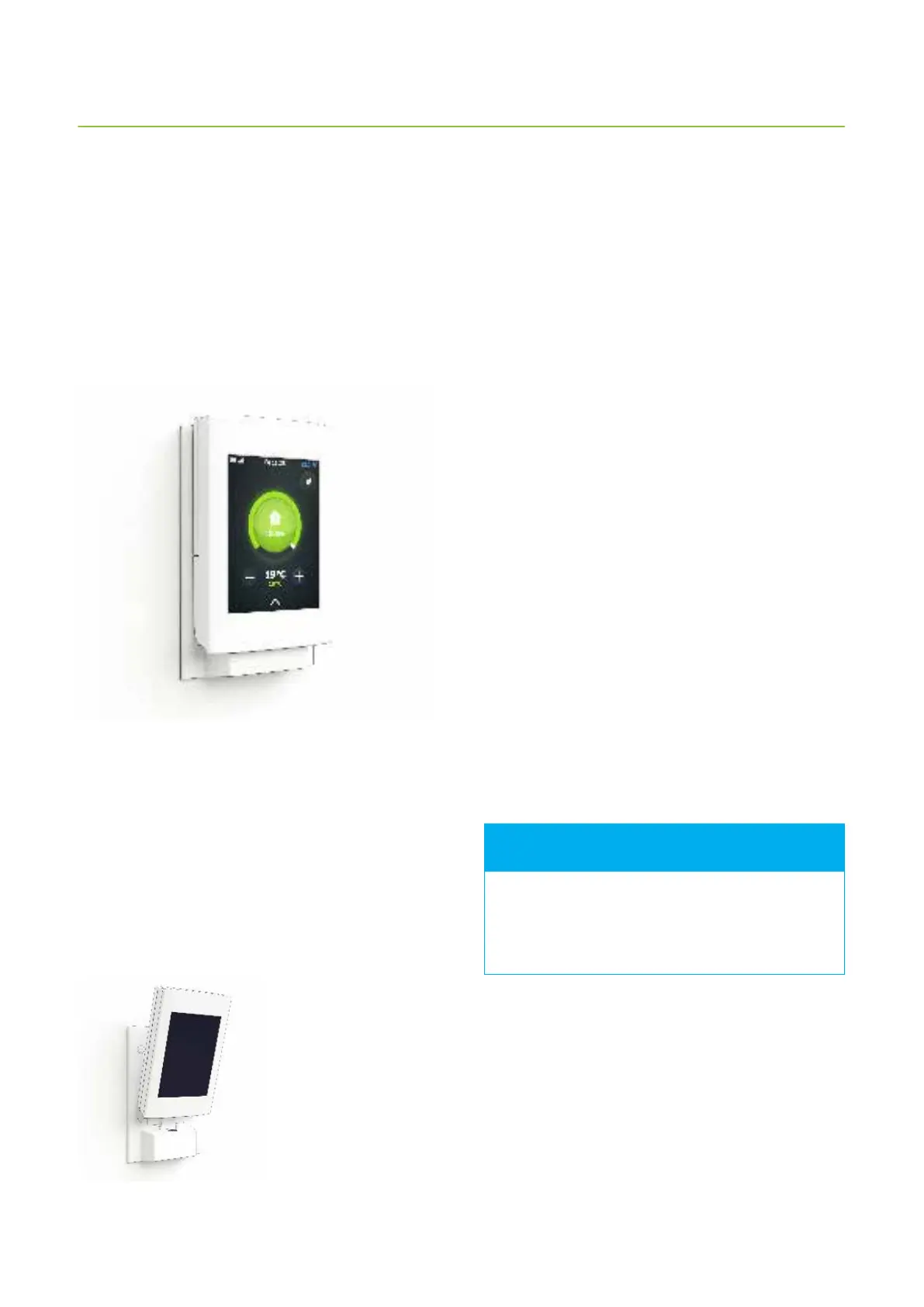
The main page of the control panel should open:
The main page of control panel
The circle around the operating mode button changes
its color depending on what the ventilation unit is doing.
The circle is green, when heat recovery is active. The circle
is orange and red when heating is active, and blue when
cooling is active.
If the text Select language displays on screen instead,
the system has not been installed yet. In this case do
not continue using the panel. Contact the installing
technician instead.
If nothing happens when
you tap the screen, the
control panel battery may
have run out. Load the
battery by putting the
panel in the wall mount.



 To Next Page