88
I want the ventilation to follow
my schedule automatically
If your life has a regular rhythm, you can make things
easier by conguring some of the ventilation functions
to activate automatically at certain times. The following
functions can be timed:
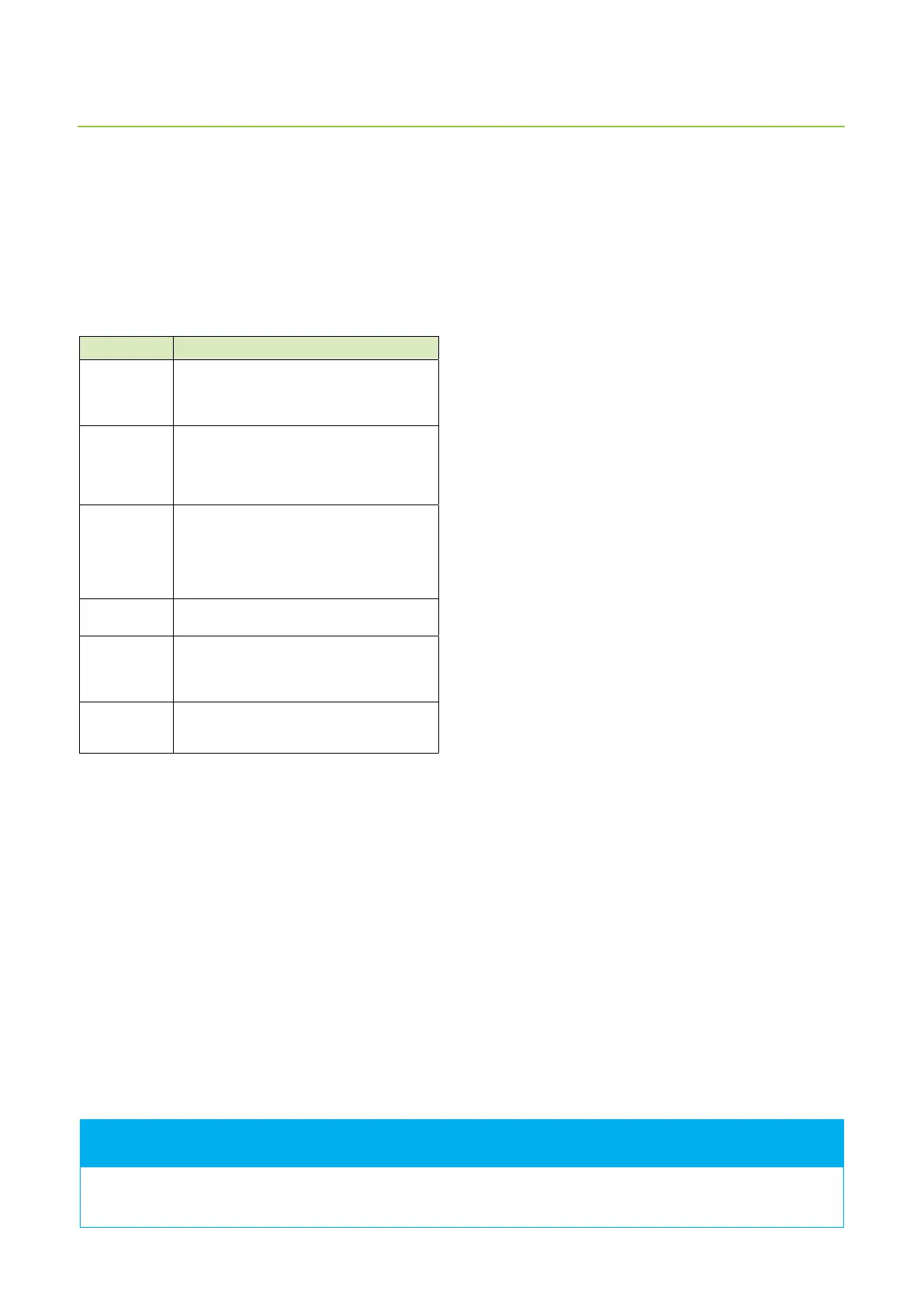
Function Description
Away Ventilation unit can be congured to operate
in Away mode by using a time program, for
example during working days when nobody
is at home.
Heating
prevented
Heating is prevented at certain time. This
mode is practical in the summer, for example,
when sudden changes in temperature
can activate heating even though it is not
needed.
Cooling
prevented
Cooling is prevented at certain time. This
function is useful in the spring, for example,
when sudden changes in temperature can
trigger cooling even though is not needed.
Cooling can begin when sun is warming the
roof.
Drop in
temperature
Ventilation is functioning at a normal level,
but allows the indoor temperature to drop.
Time relay Sets time relay (DO2) to activate at a certain
time. The function can be used to make sure
that you get your morning coee at the
same time every morning.
Boost The ventilation unit will have boosted
operations during the time dened in the
time program.
To schedule functions:
1. Tap the upward arrow on the main page of the
control panel.
Main menu window opens.
2. Tap the Time programs icon. You can choose from
weekly and annually run programs.
3. Tap New weekly program or New annual program.
4. Tap Not selected to display a list programmable
functions.
5. Tap the function you want.
The function setting window opens.
6. Set the start and end times for the function.
7. Tap the OK button.
A window listing the time programs displays, and the
time program you created is shown in the screen.
How can I save money and
energy, and advance the
healthiness of my living
environment?
Correctly designed and used ventilation saves money
and energy. Additionally, it promotes healthy living
environments and healthy inhabitants.
• Use the ventilation system according to the designed
plan throughout the year.
• Clean or change the lters at set intervals and vacuum
the inside of the unit regularly. Dust and other air
impurities can easily dirty the unit. Dirt blocks the
lters and adheres to the heat exchanger, which
in turn weakens the eciency of ventilation. The
ventilation unit access door needs to be opened
regularly - once a month, for example - and the
condition of the unit must be checked.
• Use special modes like Silent and Overpressure only
when they are really needed. Unnecessary use of
special modes will show in your electric bill.
• Besides controlling the ventilation system, you
can add to your comfort by traditional means. For
example, closing curtains and windows on a hot
day, or dressing warm on cold days can save a lot of
energy.
• Use only Enervent-approved spare parts.
The ventilation system Eco mode saves energy and
money without compromising air quality.
The control panel main screen displays a time program reminder two hours before the program starts. When the
ventilation unit is operating under a time program, the panel main screen displays a clock symbol.
FOR INFORMATION



 To Next Page