86
Never shut down the ventilation system!
Using ventilation daily
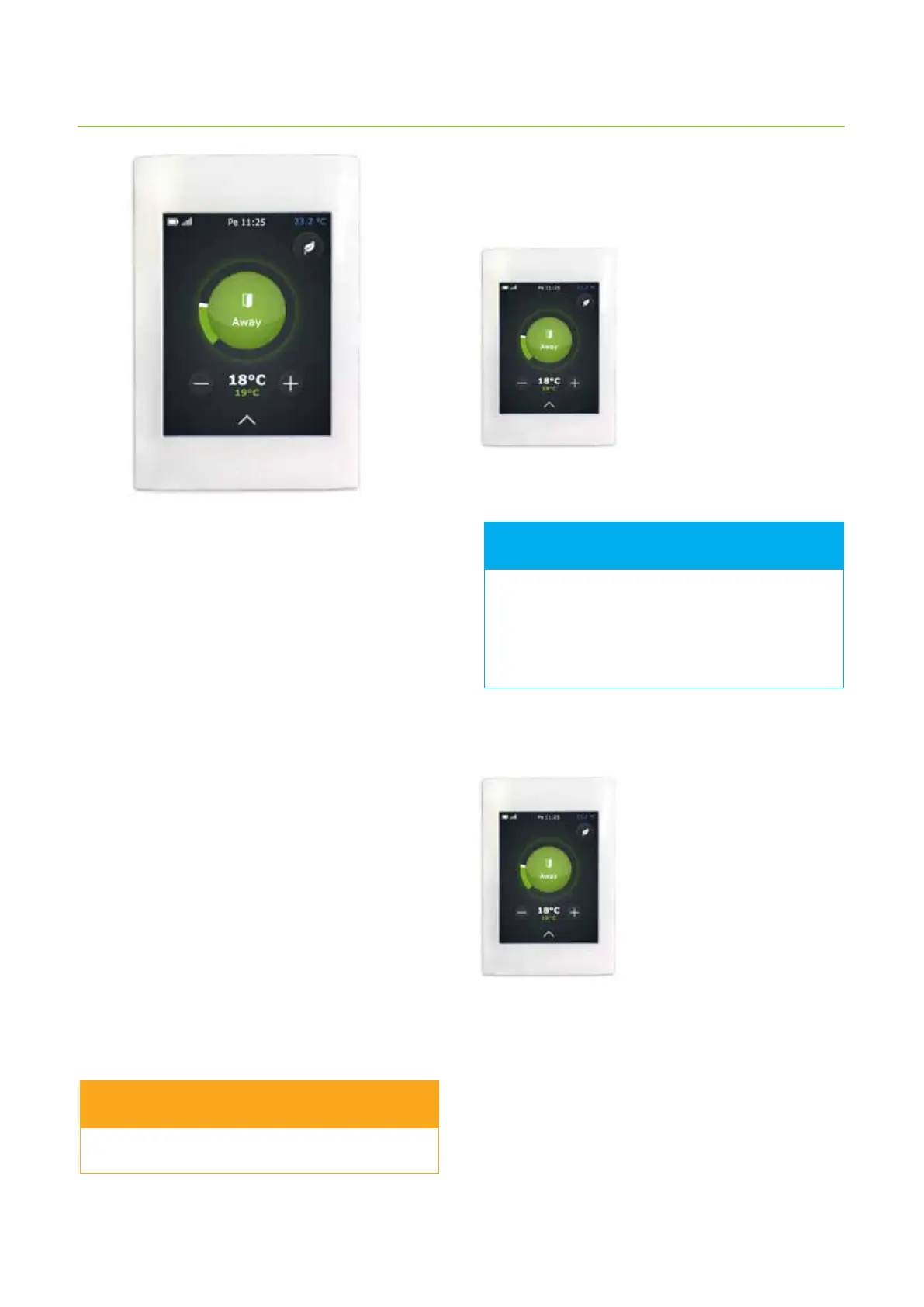
Ventilation is controlled with a simple and easy to
use touch screen, that has functions based on actual
operating conditions. The modes available in the
panel cover all your home ventilation needs. Selecting
a function changes the ventilation unit operations
accordingly. The installing technician congures the mode
parameters (= your wishes) when the ventilation unit is
commissioned.
Functionalities of the unit
• At home (when at home)
• Away (when not at home)
• Overpressure (when lighting the replace)
• Boosting (when additional ventilation is needed)
• Silent* (when ventilation needs to be as silent as
possible)
• Max. heating / Max. cooling
• * To be activated separately
When at home
When at home, the ventilation mode should be At home.
Check that the central circle on the control panel main
page has the status “At home”. If it is not so, change it by
doing the following:
1. Tap the green circle in the
middle of the main page of the
control panel.
Choose operating mode window
opens.
2. Tap the At home icon.
Ventilation system is adapting to
new conditions.
When away
If you are going for a trip, for
example, or spending time
away from the building, you can
congure ventilation accordingly.
1. Tap the green circle in the
middle of the main page of the
control panel.
Choose operating mode window
opens.
2. Tap the Away icon.
The ventilation system adapts to using less energy when
you are away.
This function can be timed to switch on when you are not
usually at home, e.g. during working hours.
In the section I want the ventilation system to
automatically follow my schedule there is more
information about conguring the ventilation system.
If the ventilation unit is used in business premises
or in a public space, its operating mode is likely
to be Oce. When the ventilation is operating
normally, the center circle of the control panel
main page displays the At oce symbol.
FOR INFORMATION
WARNING



 To Next Page