[pg.9]
3. Getting Started
3.1. Using your CD
Before getting started, please power off your cable modem or the DSL.
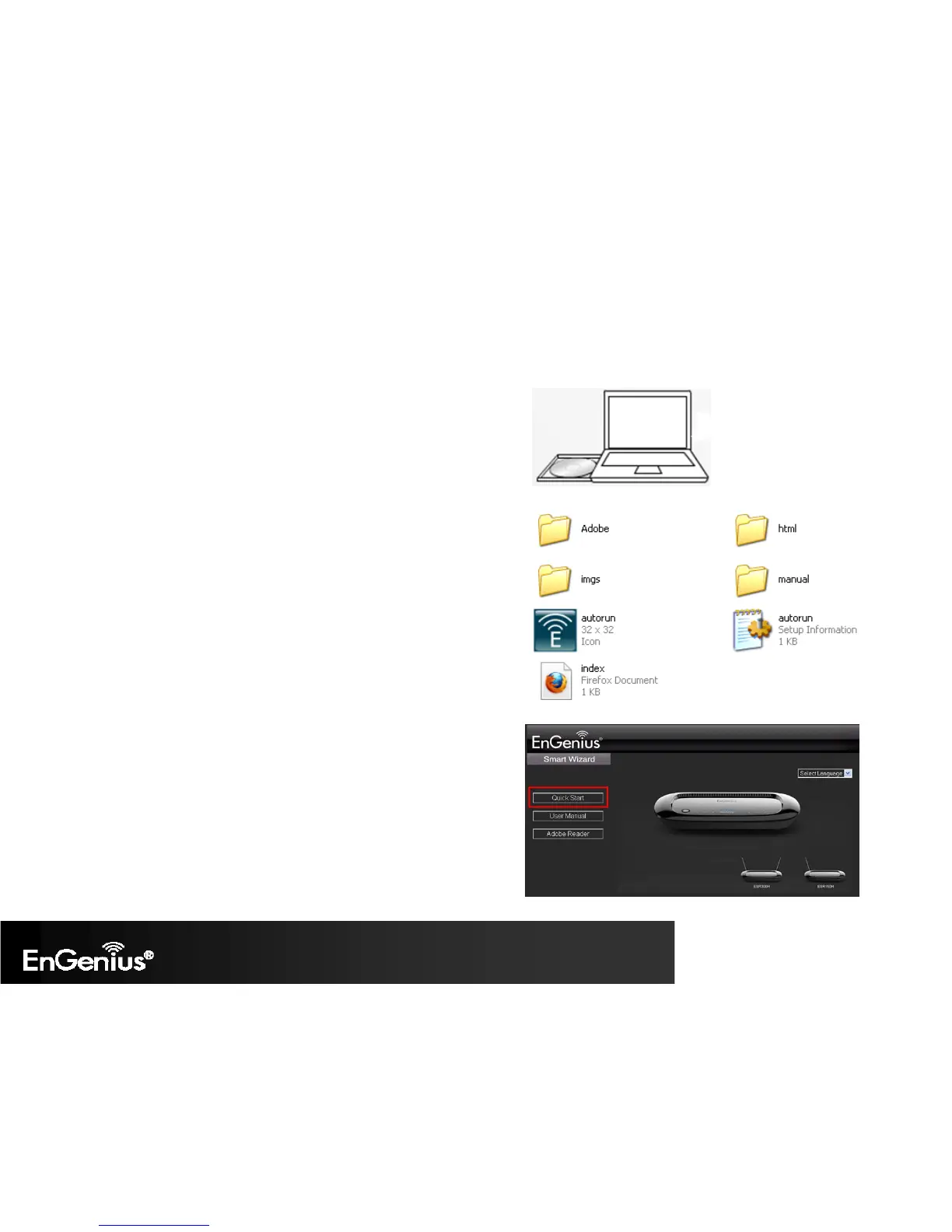
1. Insert the ESR300H Installation CD into your CD-ROM drive. The CD should
automatically start in a few seconds. If you are not using Windows (Internet
Explorer), please browse the CD and open the file names index.html to start.
2. Click Quick Start. The wizard will guide you through setting up your ESR300H.


 To Next Page