5
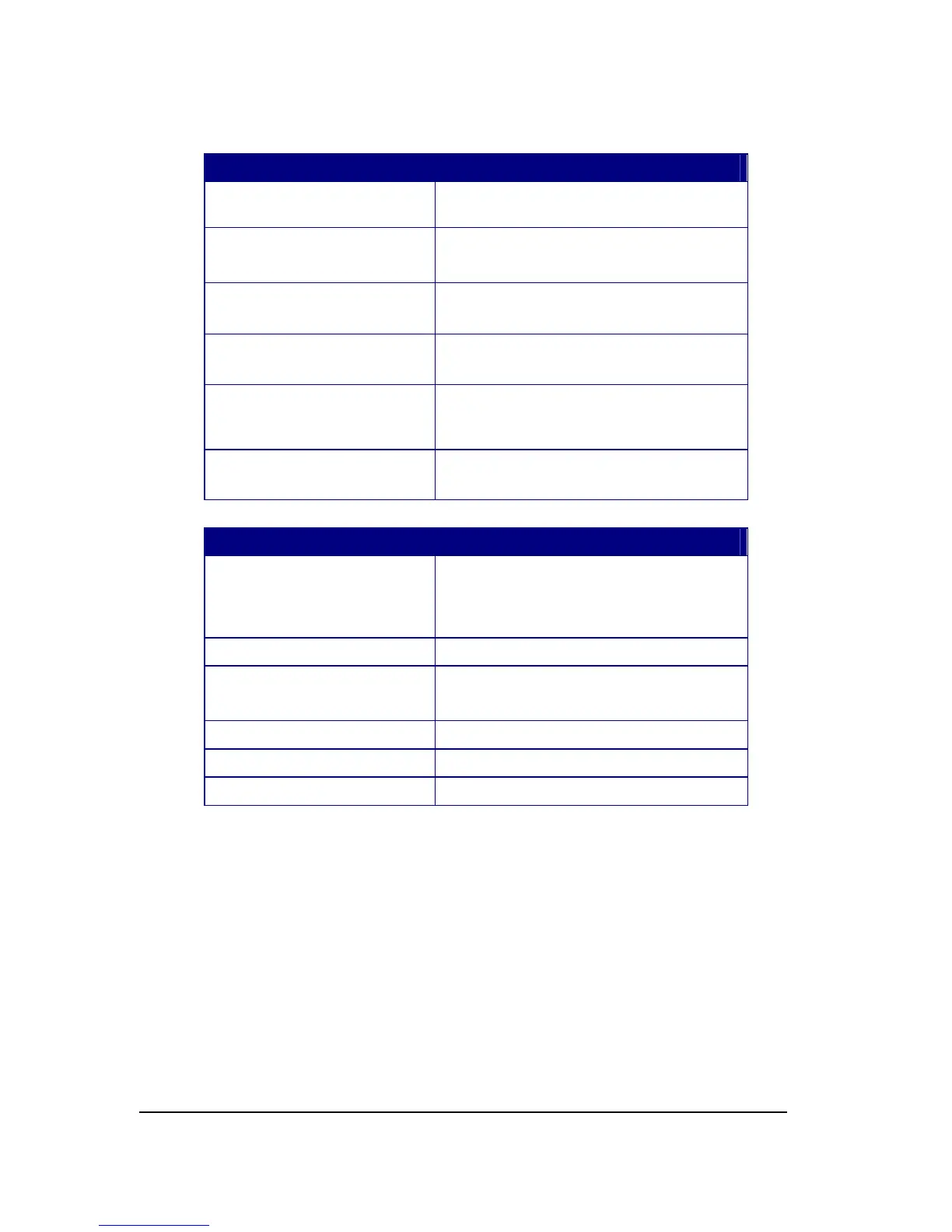
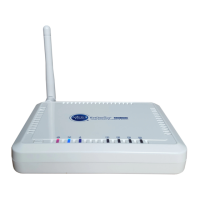
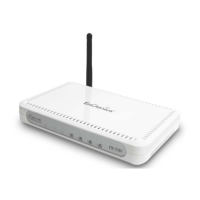
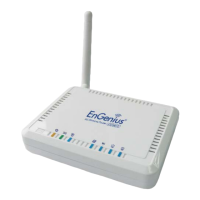
LED Description
Power 1 ( On-> red Test/reset default->blink)
3G 1 ( Link-> green on, traffic->blink)
WAN 1 ( Link-> blue on, traffic->blink)
Internet 1 ( Link-> blue on, traffic->blink)
WLAN 1 ( Link-> blue on, traffic->blink)
LAN1 1 ( Link-> blue on, traffic->blink)
Interface Description
Reset Push this button to restart the system
Press this button and hold for 10 seconds
to reset to default.
WPS Push this button once to start WPS.
DC IN Power connector, connects to DC 12V
Power Adapter
LAN1 & 2 Local Area Network (LAN) ports 1 and 2
USB USB socket for 3G data card
WAN WAN port for ADSL / Cable Modem


 To Next Page