2
3. Orientation and tilt settings using the PV Optimizer mobile application (iOS only):
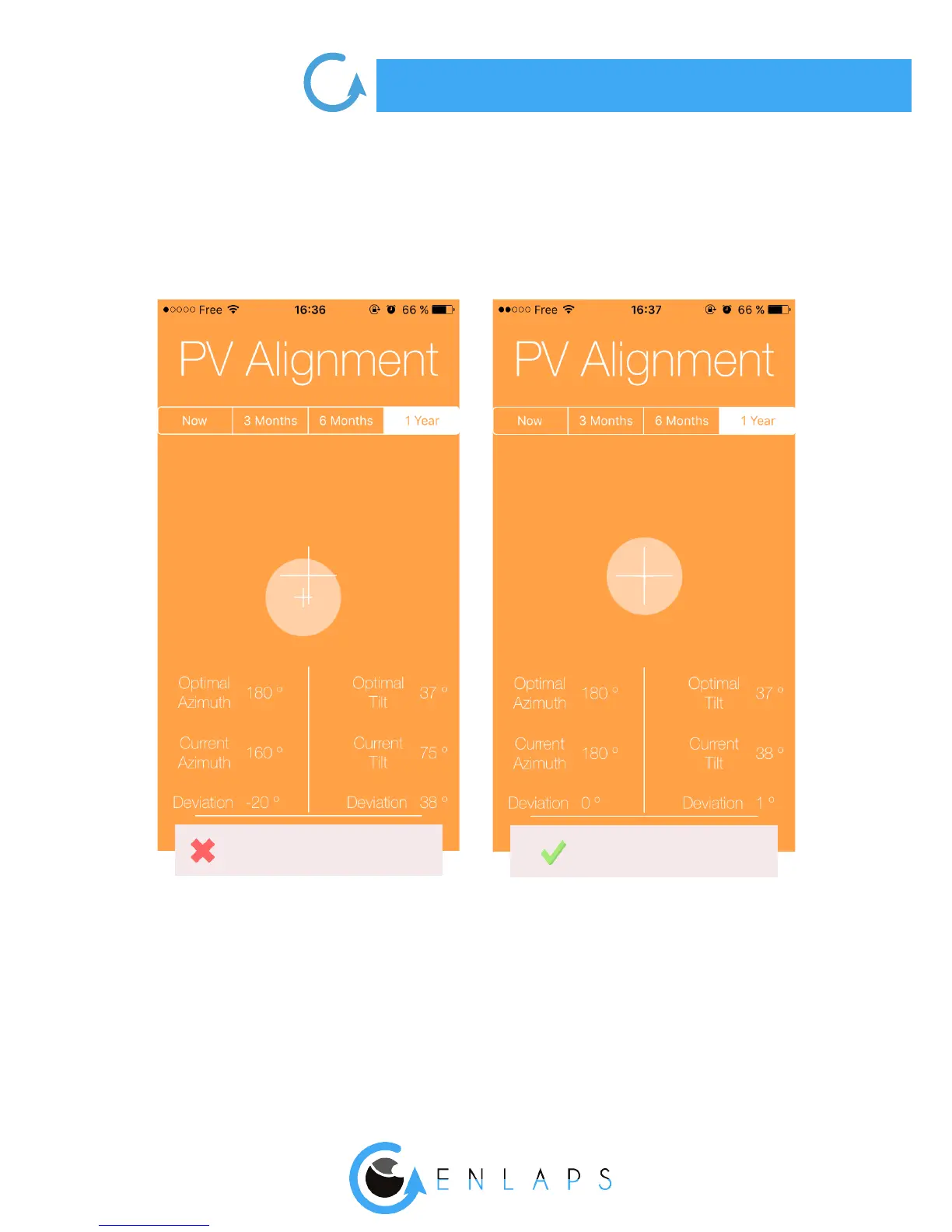
Open the application and scroll to the screen called ‘’PV Alignment’’. Place your smartphone at on
the photovoltaic panel of your Tikee and orientate/tilt the panel until you overlap the 2 crosses in
the app (see below).
Don’t forget to lock the rotation and the inclination of the solar panel once done.
In a windy area, we recommended to keep the panel at or with a low inclination to avoid
vibrations.
Misalignment
Correct alignment



 To Next Page