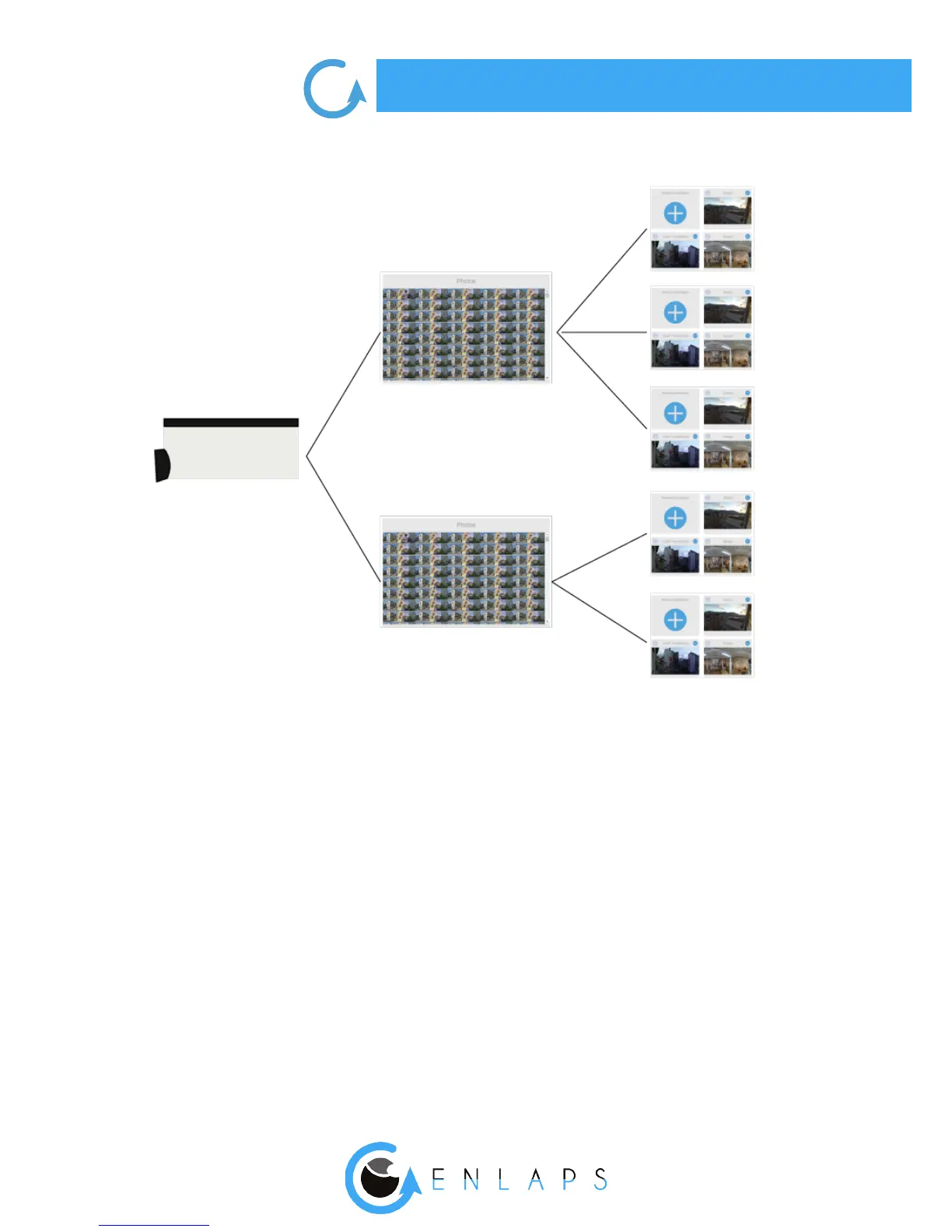
Photo set: database of all of the shot photos during an in progress or ended time lapse sequence.
Project: a project uses a photo set to create a time lapse video. You can create an innite number of
projects based on the same photo set.
Example: For a long-term time lapse (several months) you can create a time lapse video based on
a specic week or on of all the period of shooting from the same photo set. These 2 time lapses are
from 2 separate projects but based on the same photo set.
Upload of photos on the web app: From the mobile app or the web app you have to select ‘’Yes’’
when creating a new time lapse sequence for ‘’Upload of photos on the web application’’ to direc-
tly or later make the most of all the features of the web app: combined images, edition, view and
sharing.
Before beginning:
All photos of a
timelapse sequence
Timelapse using all or
part of the photoset
Photoset Project



 To Next Page