. Editing a timelapse project
Caution! The calculation of the fusion of left and right images of your Tikee requires between 25
and 100 images. Prior to this calculation, the project would not appear in your account and so the
nal pictures won’t be visible. You can check the status of your Tikee on the web app to conrm its
proper functioning.
The calculation of fusion is done only once for all new time lapse sequences. Once done (when you
see your project in your account) the following pictures are generated much faster (a few minutes
after being uploaded in the web application).
Note : All photos of a short-term timelapse are uploaded to the web app once the sequence is
ended.
Photos from a long-term time lapse are sent every 25 pictures or at least once a day.
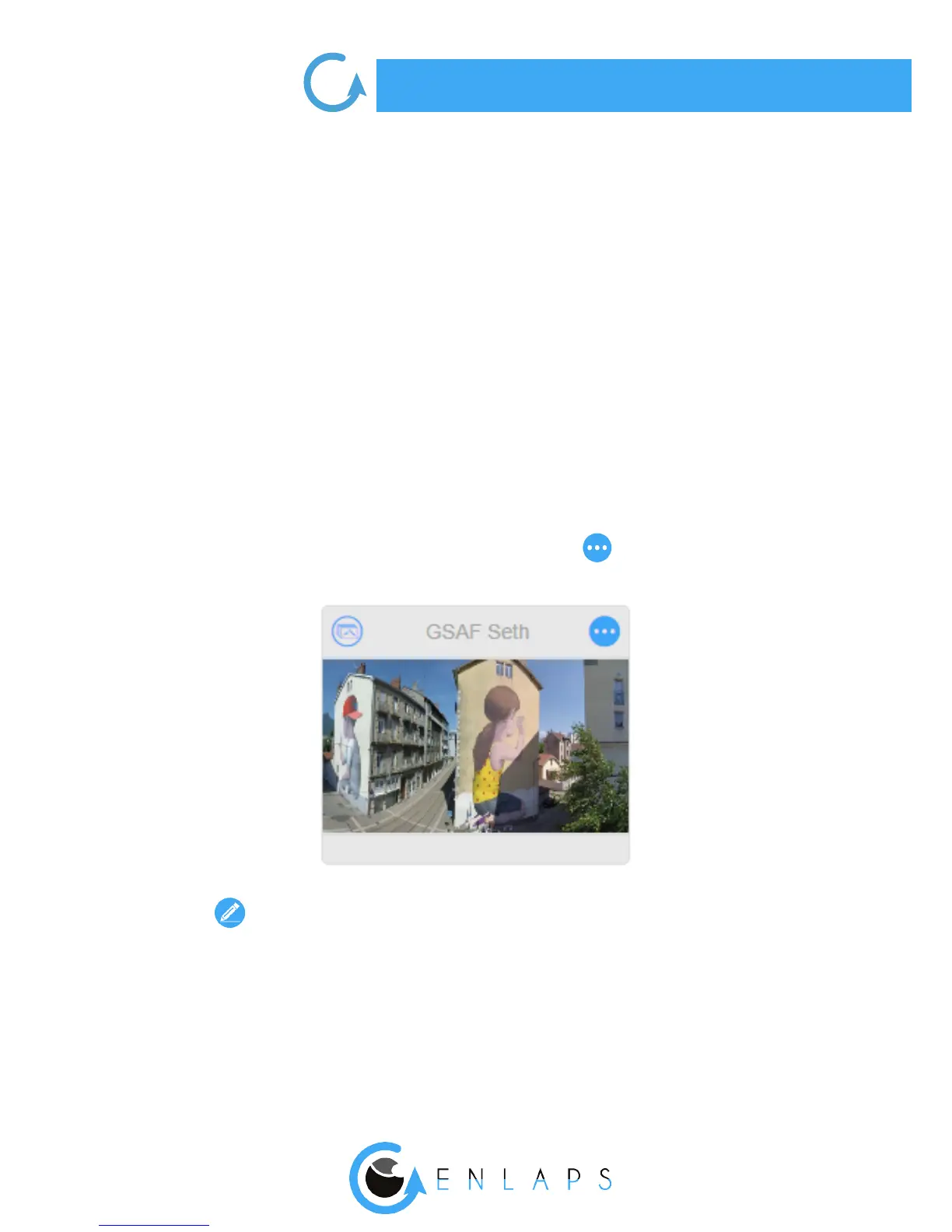
To edit a project, click on the top right of the thumbnail project:
Then click on
Filters
When you modify the lters, the photo mosaic will update automatically with the photos that t
within the lters. These are the photos that will be used to create the timelapse video.



 To Next Page