Before you keep reading, make sure you have followed the instructions of Chapter 1 - Beginning.
1. Connect your Tikee to mobile app
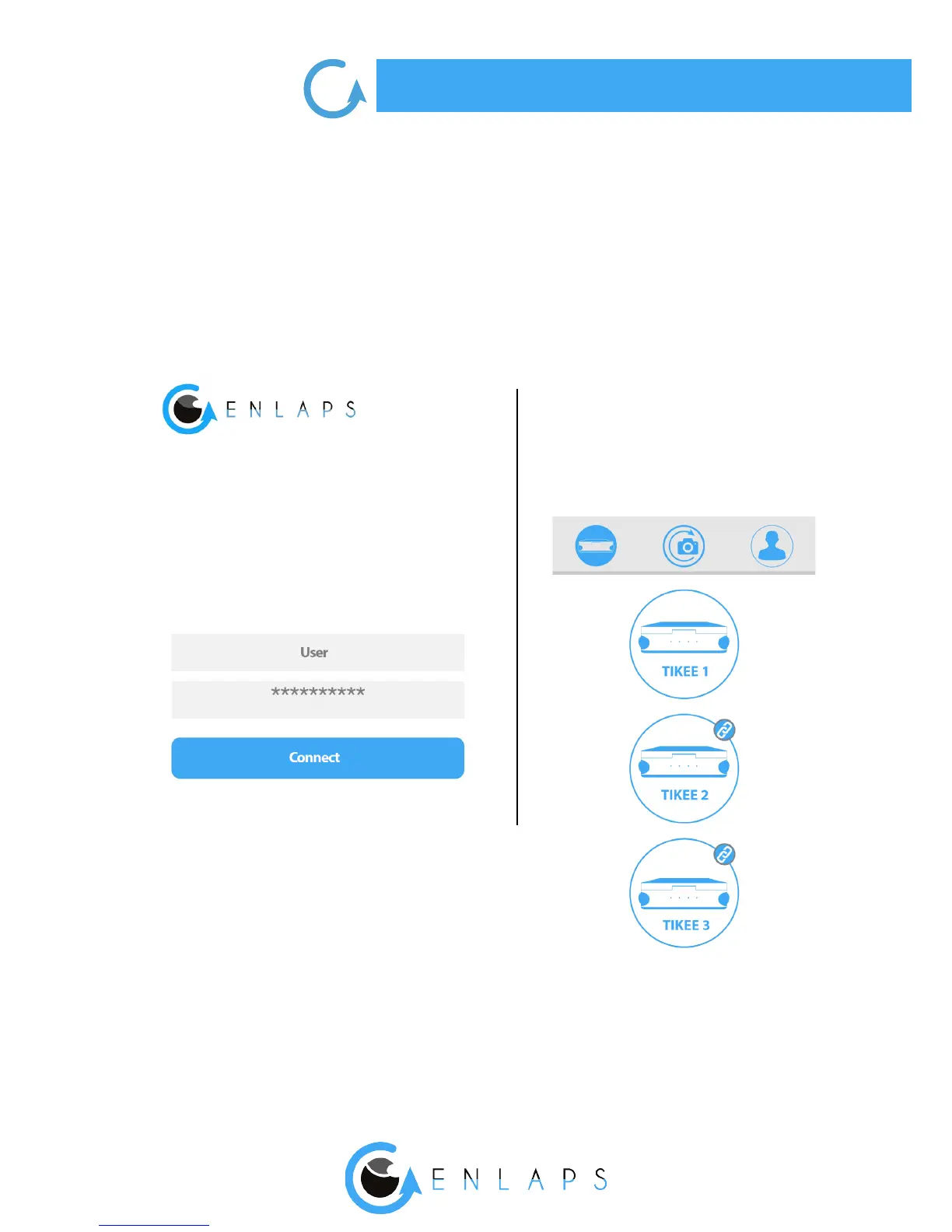
1. Once your Tikee is powered on and nearby:
launch the mobile app Tikee remote and
log in with your IDs - same as the web app.
2. Select your Tikee in the
nearby Tikee list.
Your Tikee is then associated with your user account. The association prevents any other user
account to use your Tikee. For more information, please refer to the corresponding chapter.



 To Next Page