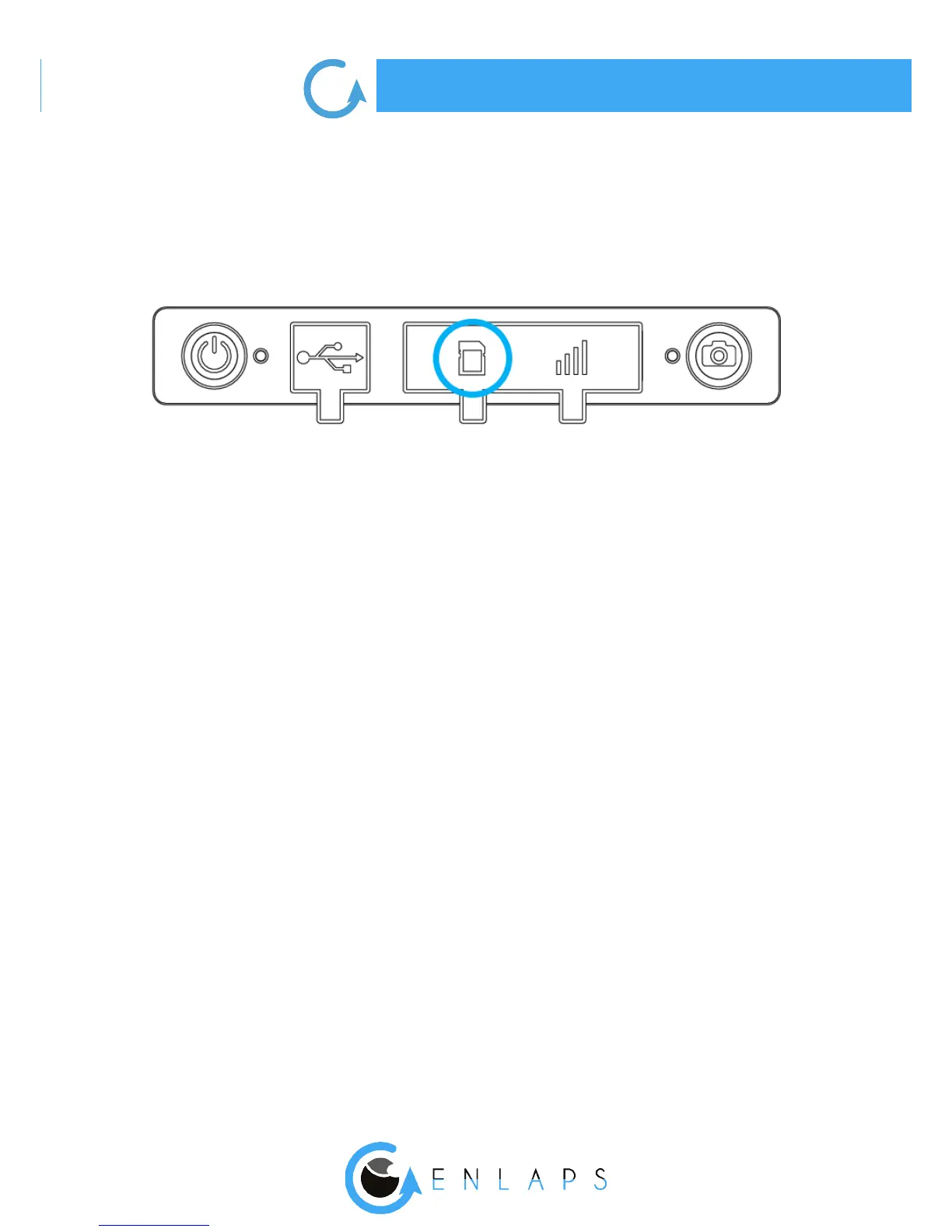
. MicroSD card (not supplied)
Insert the microSD card into the slot on the back side of your Tikee.
Technical information about microSD cards compatible with Tikee :
- microSDHC, microSDXC,
- 8GB to 128GB capactity,
- U3 class recommanded (Minimum : Class 10 or UHS-I, adequate for Tikee or TikeePRO taking
photos only in jpeg).
Note: Before use, we strongly recommend to format the microSD card (see corresponding chap-
ter). This can be done directly from the mobile application.
Caution! Although both cards have the same format and t into the slot of each other, the
slots are not interchangeable and the Tikee will not work if you interchange it.
. Micro SIM card
To use the 4G network with your TikeePRO you have to previously subscribe to a 4G subscription
with the telecommunication provider of your choice.



 To Next Page