Tikee Remote is the essential mobile application for your Tikee. You can control it and
set timelapses with your personal settings.
This mobile application is required for your Tikee to work properly.
Beginning
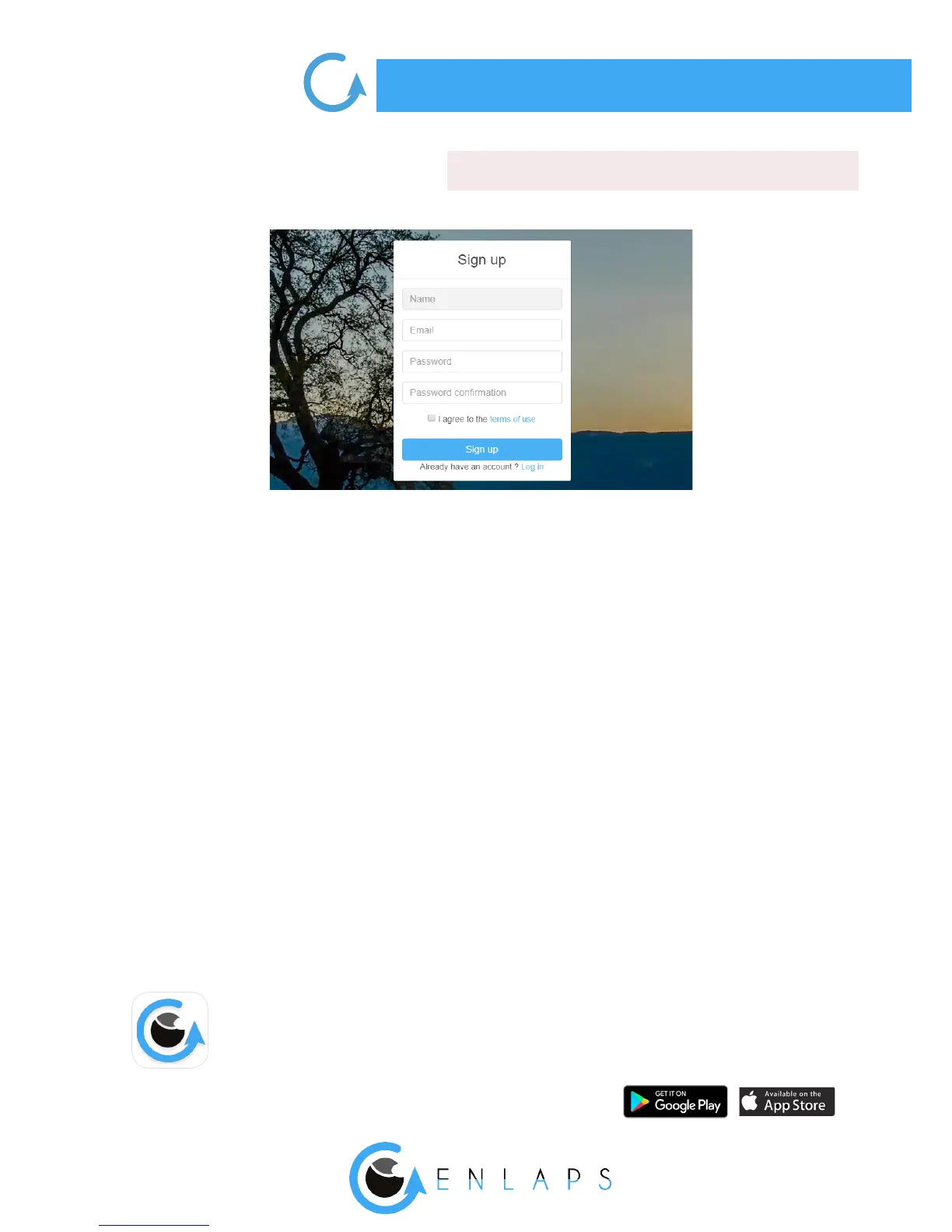
Once the general terms of use of the web application read, please check the box ‘‘I agree to the
terms of use’’.
Your login IDs are the same on the web application and on the mobile application.
Step 2: Fill in your personal information.
. First charge of the device
Caution! For an optimal use of your Tikee/TikeePRO, you have to fully charge the battery
before the rst use.
Plug a USB cable (not supplied) into your Tikee into the dedicated USB slot.
Make sure that the logo is facing down to avoid damaging the USB slot.
Plug the other end of the USB cable into your computer or into a power adapter (not supplied),
and then into a power outlet.
Note : the sealing of your Tikee is not guaranteed when the USB cable is plugged into the USB
slot.
. Downloading the mobile app



 To Next Page