Beginning
. Prerequisites
Some elements are needed to ensure the optimal functioning of your Tikee:
- A microSD card (not supplied) is needed to use your Tikee (see dedicated section)
TikeePRO users: a micro SIM card (not supplied) is needed for the upload of data with 3G/4G network.
- A smartphone (supported versions: Android 5.0 and up/iOS 10.0 and up)
- A tablet or a computer with an Internet connection (to edit and publish your time lapses)
. Creating a user account on the web
application MyEnlaps
Previously you have to create an account on MyEnlaps web app to then use web and mobile
applications.
If you have not yet created an account, connect from a mobile phone, a computer or a tablet to
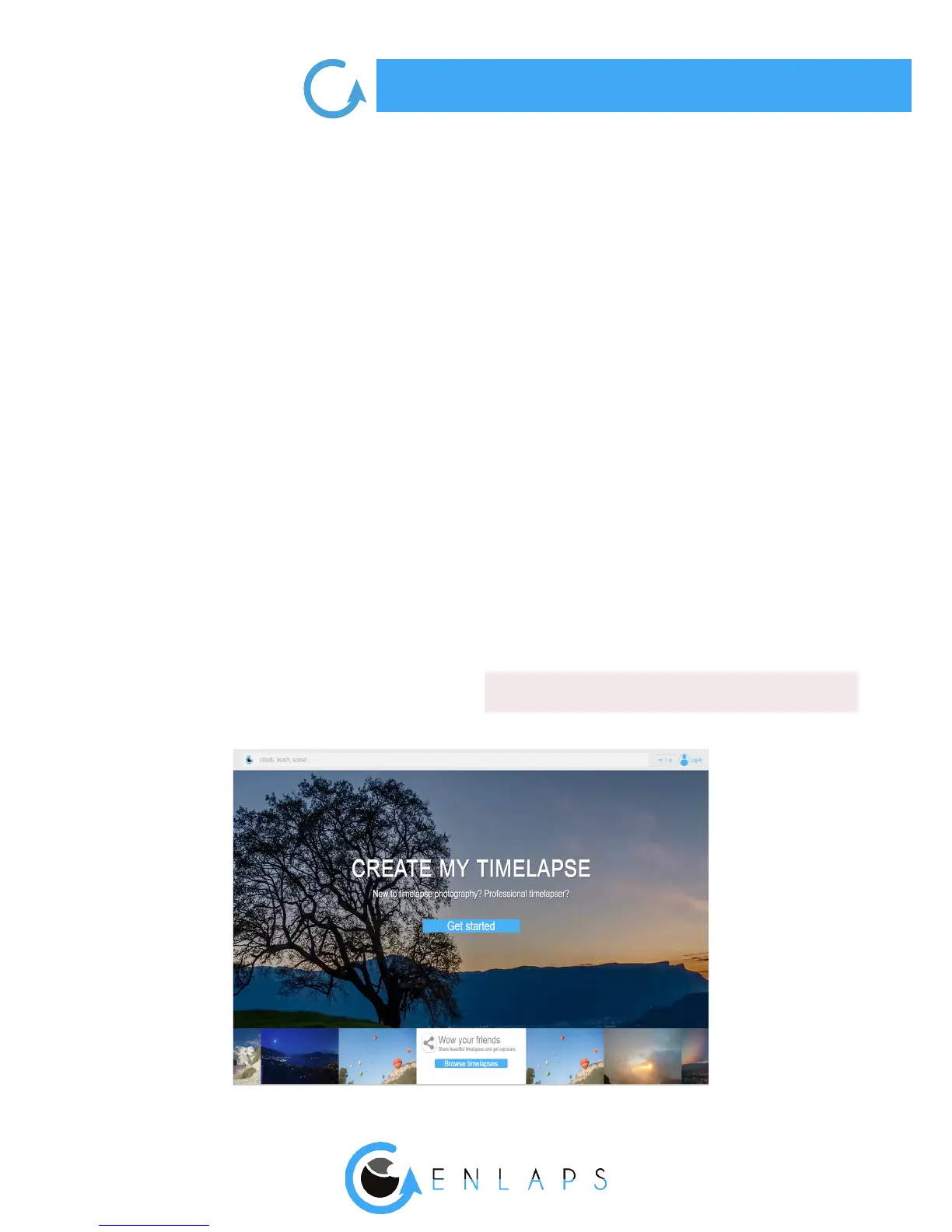
https://my.enlaps.io .
Follow the steps below:
Step 1: Click on ‘‘Get started’’.



 To Next Page