EasyManua.ls Logo

Enlaps Tikee - 4 Visualization of Your Timelapse in MyEnlaps; Using Filters for Image Selection; Example: Selecting a Date Period for Photos

Enlaps Tikee
40 pages
Print Icon
To Next Page IconTo Next Page
To Previous Page IconTo Previous Page
Loading...
Visualization of your timelapse in My Enlaps
24
4
Visualization of your timelapse in My Enlaps
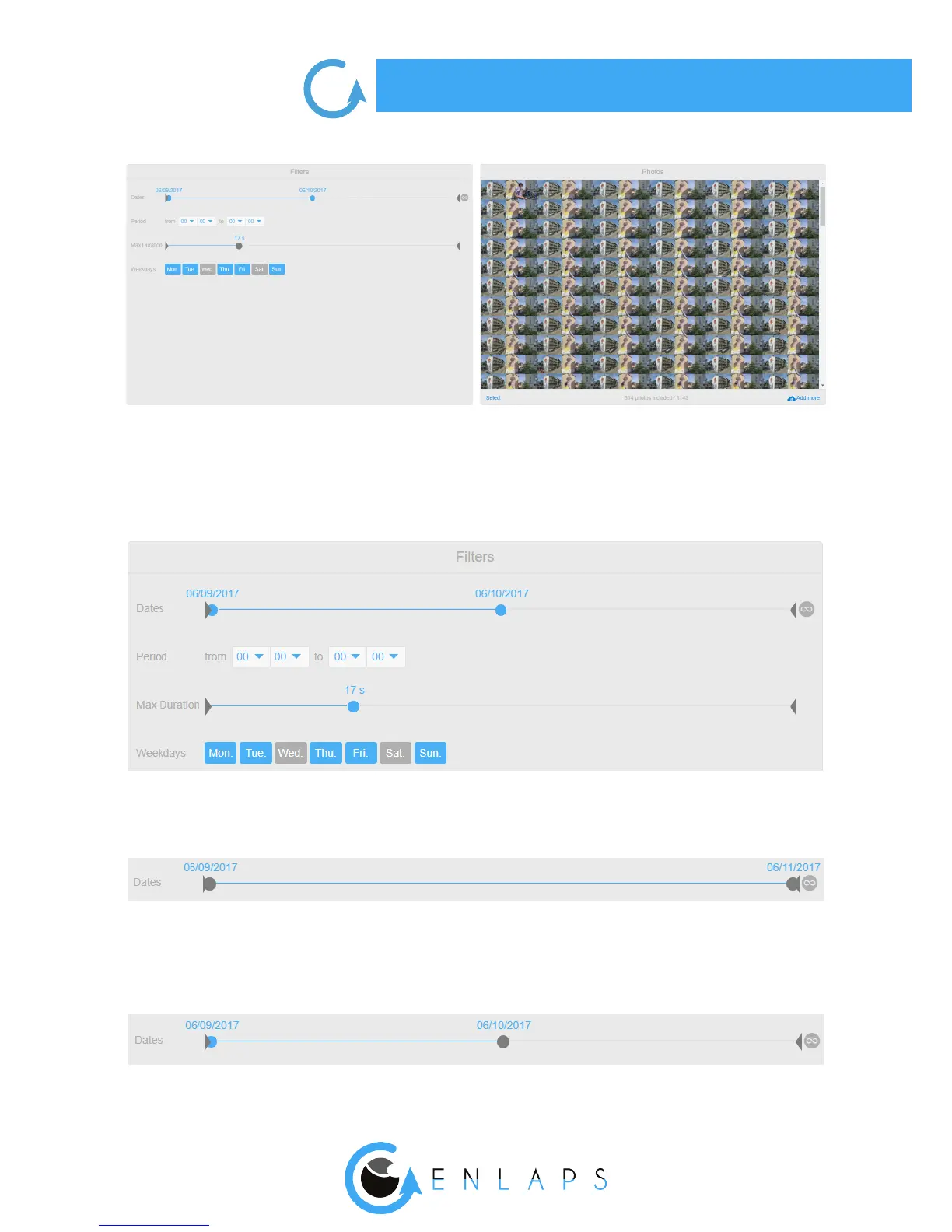
About the settings of lters area : there are currently 4 lters: dates, period, maximum duration and
days. Below is how to use them.
Period lter
On below example: selection of a given period: photos taken from 2017, 9th June to 2017, 11th
June:
On below example: selection of a given period: photos taken from 2017, 9th June to 2017, 10th
June:


Other manuals for Enlaps Tikee