Automatic update of the timelapse with the latest pictures uploaded by your Tikee on the web
application:
To activate or deactivate this mode, click on
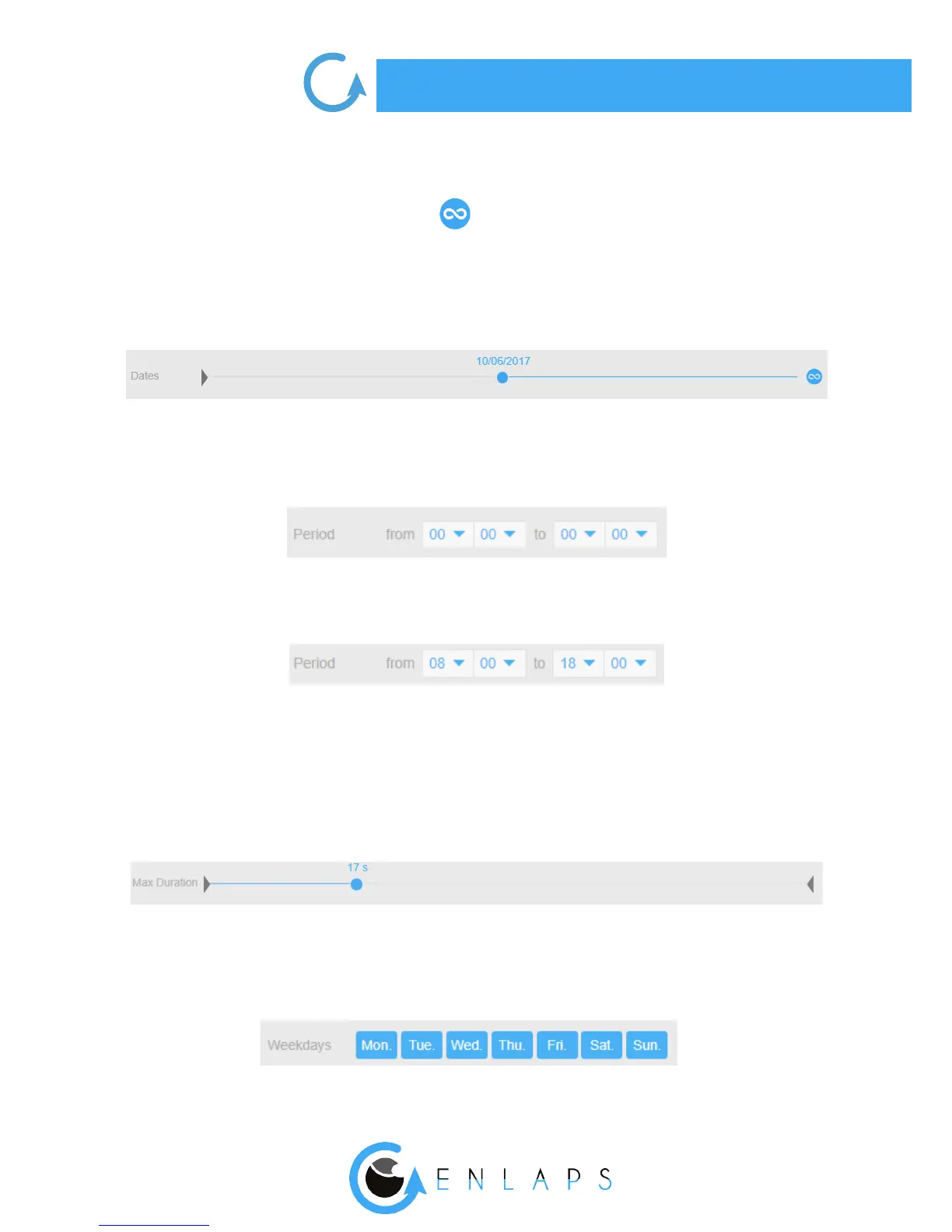
When the mode is on, you can select a start date without an end date. As soon as new photos are
uploaded on the web app, the timelapse will be automatically updated (only for the long-term time
lapses - otherwise the app set the date of last uploaded photos).
Time lter
You can select all photos of the day by applying the selection below:
You can also select the photos taken during a given period.
In the example below: from 8:00 a.m. to 6:00 pm:
Duration of the timelapse
The timelapses duration is voluntarily limited to 1 minute and/or the number of photos available (if
less than 1 minute).
To make a one-minute time lapse, it is necessary to have at least 1500 ltered images.
Filter ‘’days of the week’’
You can select the days of the week from the menu below:



 To Next Page