Section 78 00-02-0830
2013-03-08 - 2 -
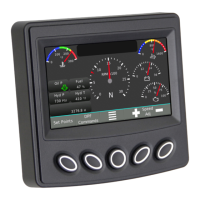
Soft Keys (Buttons)
Your Soft Key choices are associated with the throttle source. Some throttle sources may not
be present on your model.
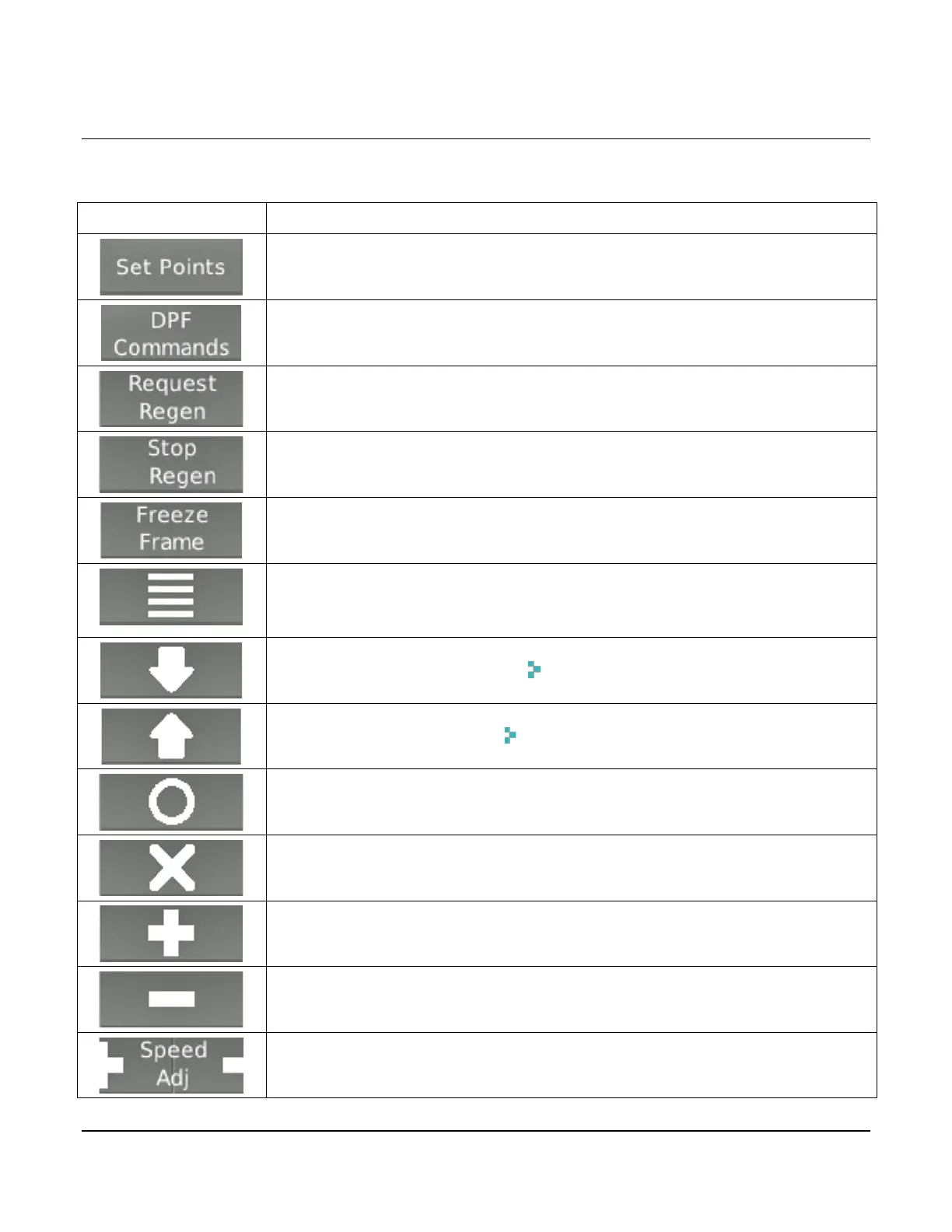
Set Points—Displays the accelerator pedal positions or engine-
requested rpm/speed quick set points
DPF Commands—Displays the Diesel Particulate Filter (DPF)
command to access the Un-inhibit Regen and Inhibit Regen
Request Regen—Sends message to Engine Control Unit (ECU) to start
regenerating the DPF when prompted by engine ECU.
Stop Regen—Sends message to ECU to stop regenerating the DPF
(should not be used unless necessary)
Freeze Frame—Requests the freeze frame data from the ECU when
faults are present
Main Menu—Two full pages that list 6 action items to choose from:
Gauges, Diagnostics, System Info, Lamp Info, User settings, Panel
Down—Navigates the curser (. .) downward through a list
Up—Navigates the curser (. .) upward through a list
Select—Enters the action item next to the cursor in a list. Also used with
the Main Menu soft key to get back to the Main Menu from any screen
Deselect—Closes pop up messages
Plus—Increase the accelerator pedal position/Increase the engine
requested speed
Minus—Decrease the accelerator pedal position/Decrease the engine
requested speed
Speed/Throttle—Opens the speed/throttle adjustment command and
enables the Plus and Minus soft keys (+/-)


 To Next Page
 Loading...