28
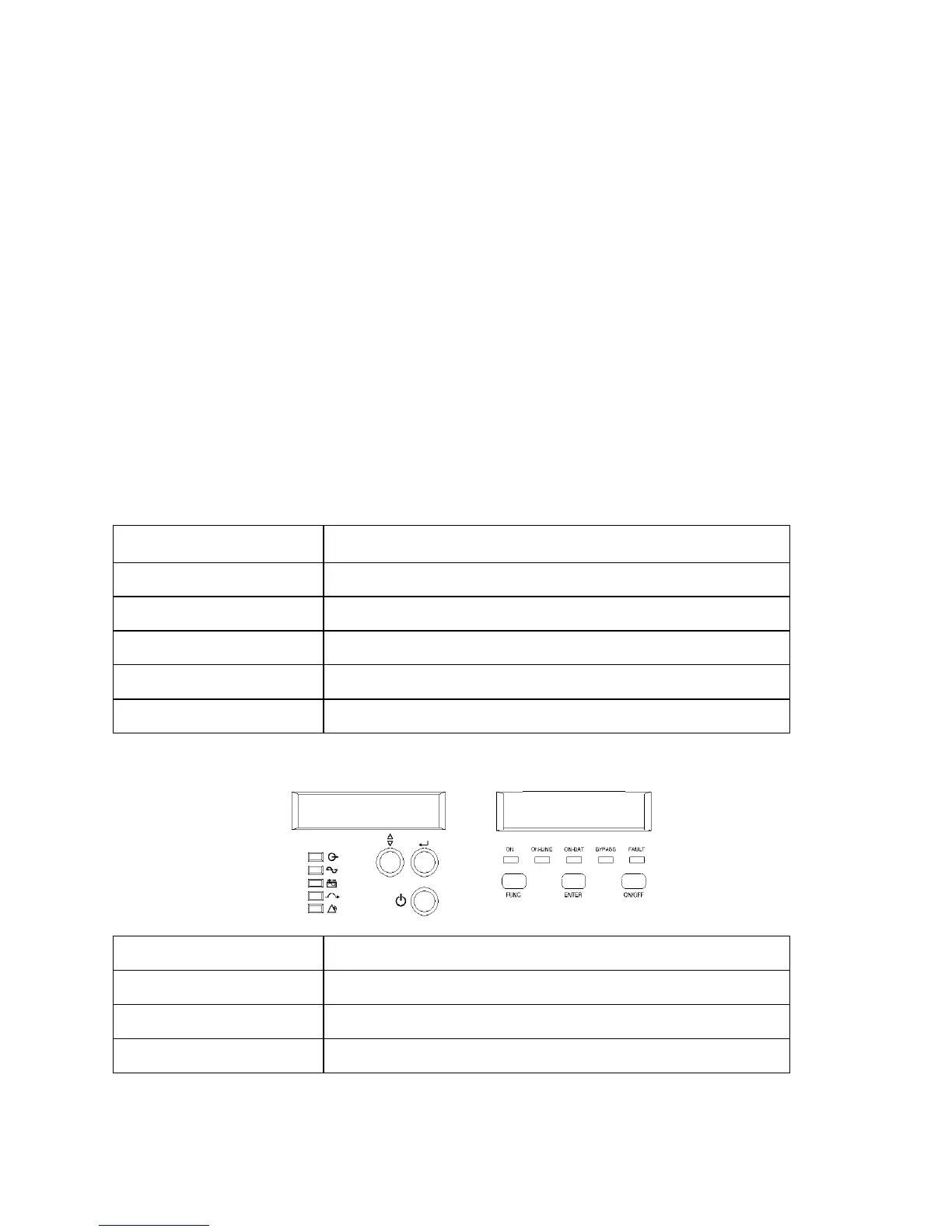
Status of the UPS, measurements and alarms are all indicated on the LCD screen.
Figure 6. Control panel
Normal display
The UPS status is shown in normal display mode. From here you have a choice to go to UPS meters
display and the Setting display by pushing the button.
UPS meters display
Various measurements are available through the UPS meters display; pressing the
button will scroll through the following meters:
LCD message Description
O/P VOLT= xxx, xV Shows Output AC voltage
O/P FREQ= xx, x Hz Shows Output Frequency
I/P VOL T= xxx, xV Shows Input AC voltage
I/P FREQ= xx, x Hz Shows Input Frequency
BAT VOLT= xx,xV Shows Battery Voltage
O/P LOAD%= xx% Shows Load % of max load
O/P W= xW Shows Output Watts
O/P VA= xVA Shows Output VA
O/P CURR= xA Shows Output Current



 To Next Page