27
displayed by pressing at once, and it has
fifteen kinds of function to be checked.
(b) If no pressing within 10 seconds, it will return to original status.
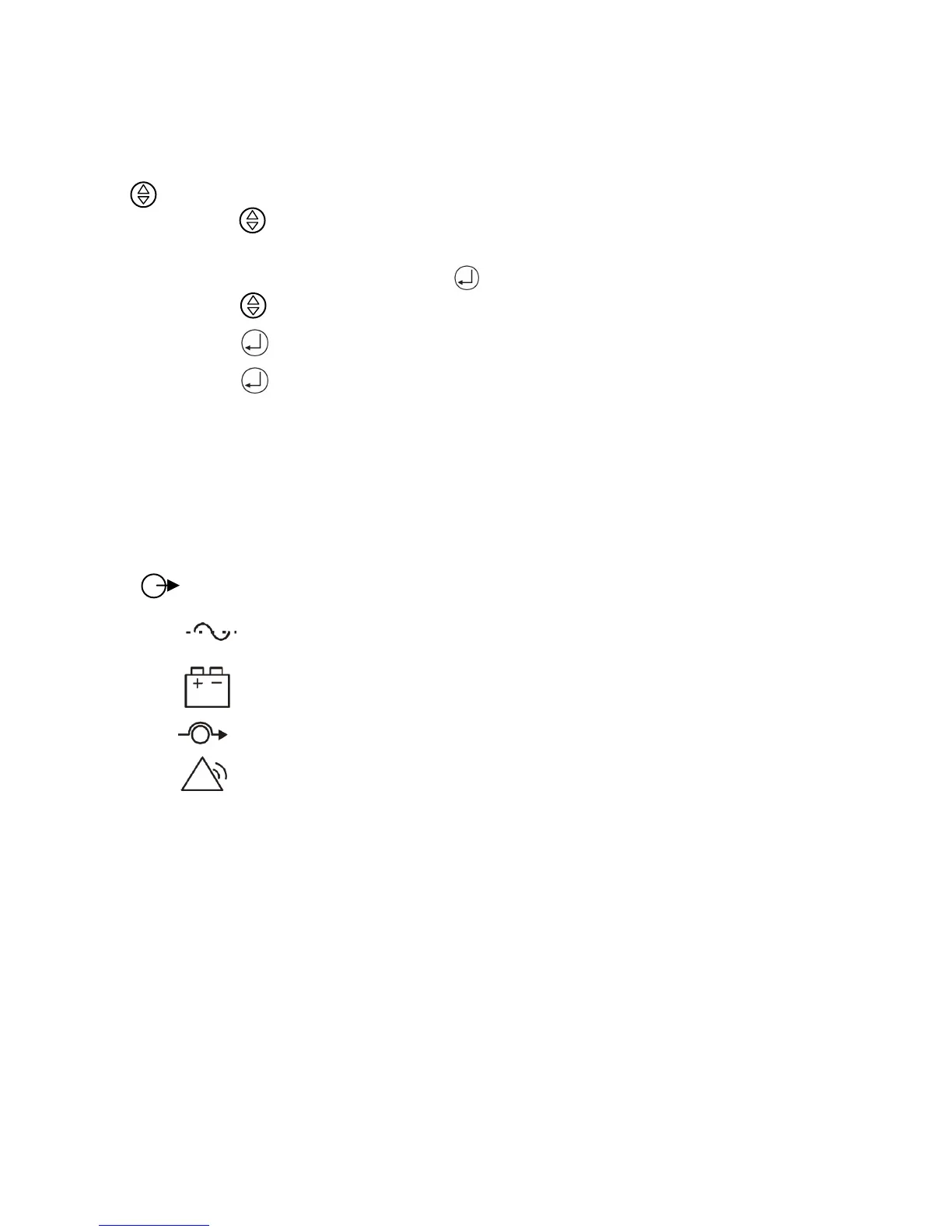
3. “ ” is a Function button . Each function can be enabled by pressing this button.
(a). Push the “ ” button (at least 2 seconds) to choose which function that you want.
Each content can be displayed by pressing at once, and it has fourteen kinds of
function to be checked.
(b). After choosing the function, push the “ ” button to enter the function that you want.
(c). Push the “ ” button to choose other function again.
(d). Push the “ ” button to enable your function.
(e). Push the “ ” button to confirm and enable your function.
(f). If no pressing within 10 seconds, it will return to original status.
7.3 Control Panel functions
Operation of the UPS is indicated on the monitor panel with five LED indicators and an LCD
screen. This display is also capable of alerting the user with audible alarms.
ON/ This green LED is lit when UPS has been turned on.
ON-LINE/ When the UPS is in normal or static bypass modes, there is voltage at the
output terminals and this LED will light up in green.
ON-BAT/ While operating in battery mode.
BYPASS/ While operating in bypass mode, this LED will light up in yellow.
FAULT/ If any internal error occurs in the UPS, this LED will light up in red and
give off an audible alarm. Press any of the buttons on the front panel to turn off
the alarm.



 To Next Page