10
installation guide
STEP 7
STEP 8
STEP 9
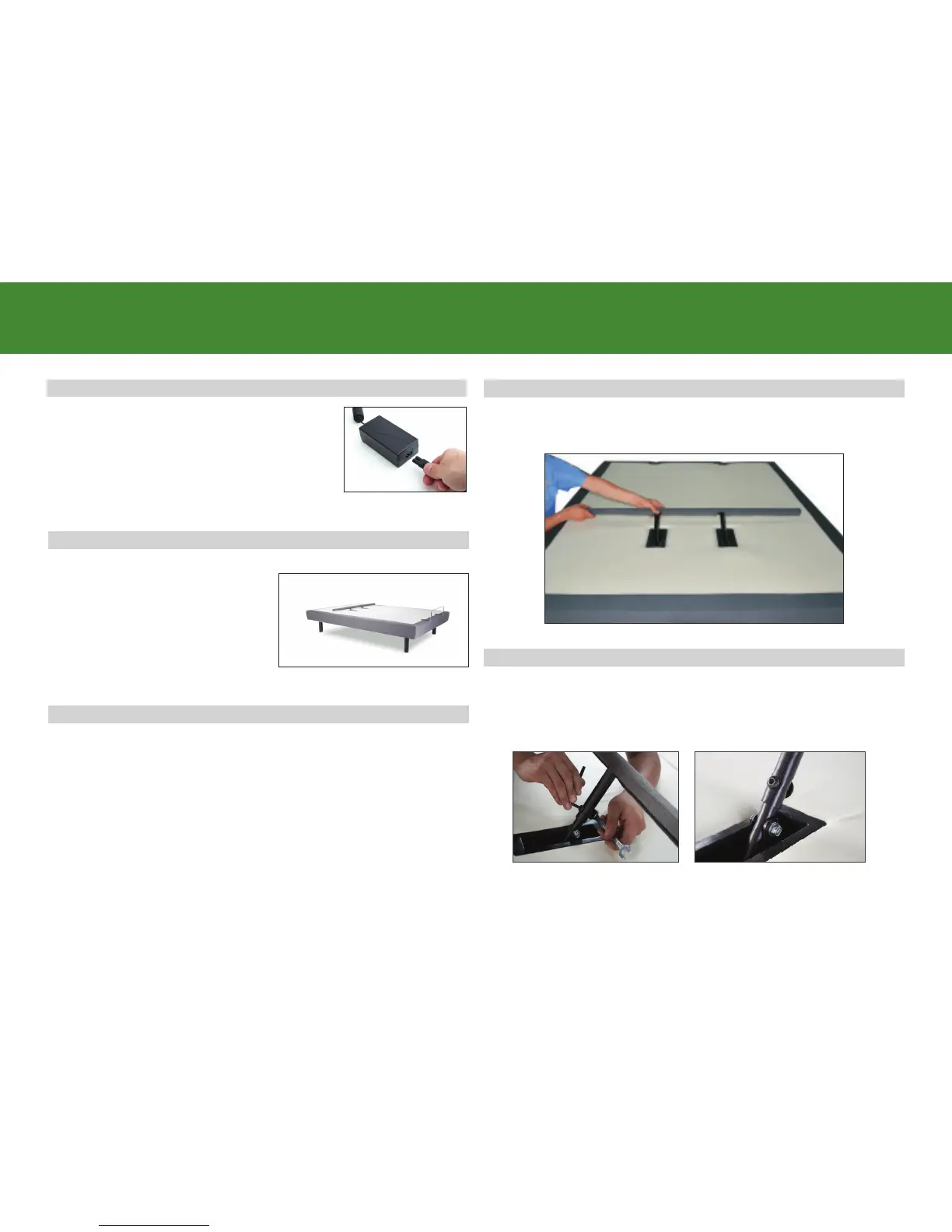
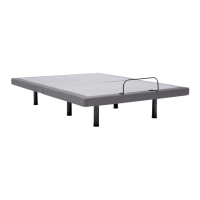
Carefully flip the base over on to
its legs. Important: Two people are
required to move the bed base. Do
not drag across the floor. Do not
rest frame on its side, excessive
pressure may damage the legs.
For customer support, visit www.ergomotion.com or call: 1-844-534-3676
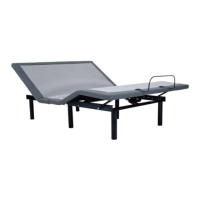
To install the lumbar support bar, use the remote to raise the
lumbar support to the highest position and remove nuts and
fasteners from each support.
Slide lumbar cross section (removed from underside of base) onto
the raised lumbar supports.
Secure lumbar cross section to supports at the lowest position
using the supplied bolts and nuts. (if more lumbar support is
desired, move lumbar cross section up one more hole setting).
STEP 6
Uncoil the Power Cord and connect to the
Power Supply. Place Power Supply on the
ground and extend from the base. Ensure
that the Power Supply and all attached
cords are directed toward the desired
surge protector.
STEP 10


 To Next Page