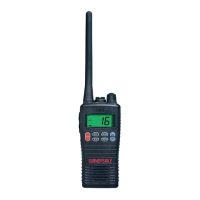
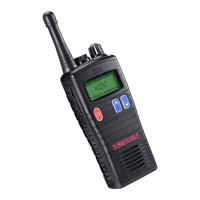
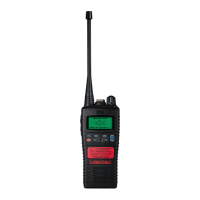
13
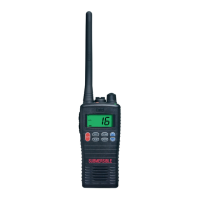
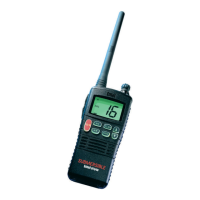
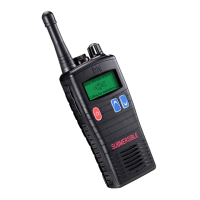
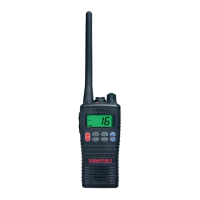
Controls & Indicators
1
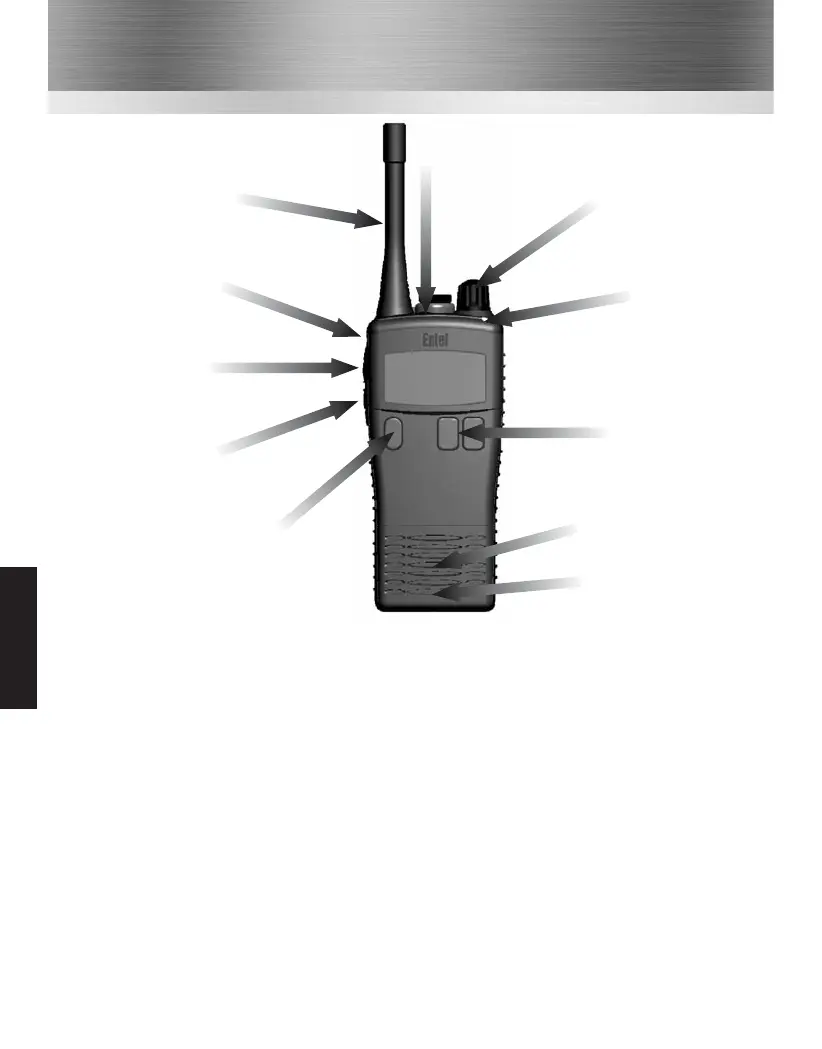
On / Off button. Press to turn radio on, press and hold to turn off.
2
Channel / Scan control or volume control (dealer definable).
3
Channel / Scan control or volume control (dealer definable).
4
Push To Talk (PTT) button. Press to speak and release to listen.
5
Dealer programmable button 1 (ask your dealer for more information).
6
Dealer programmable button 2 (ask your dealer for more information).
7
Dealer programmable button 3 (ask your dealer for more information) and LED indicator.
8
LED indicator.
• RED steady = Transmitting
• RED flashing slowly = Battery needs re-charging
• GREEN steady = Receiving
• GREEN flashing slowly = Selcall / message received
• YELLOW steady = Non valid signal detected
• YELLOW flashing rapidly = Scanning
Antenna
5 Dealer
programmable
button 1
4
Push To Talk
(PTT) button
6
Dealer
programmable
button 2
1
On / Off
Speaker
Microphone
7
Dealer
programmable
button 3
8
LED indicator
2
Channel / Scan control
or volume control
(dealer definable)
3
Channel / Scan control
or volume control
(dealer definable)
HT5X3



 To Next Page