EasyManua.ls Logo

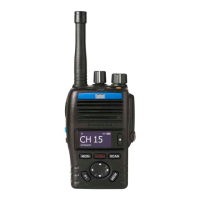
Entel HT700 Series - User Manual

Entel HT700 Series
24 pages
Print Icon
To Next Page IconTo Next Page
Loading...
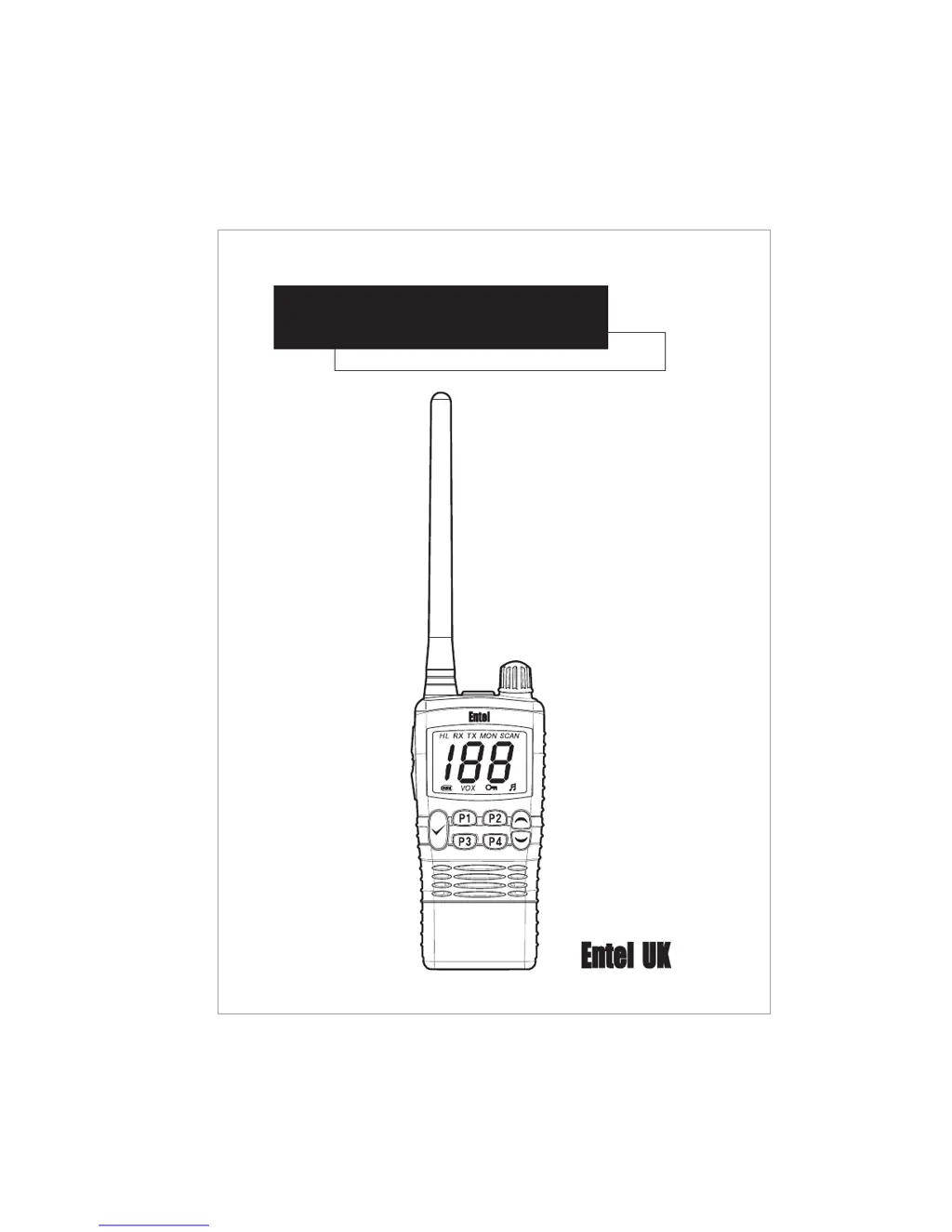
HT700 Series
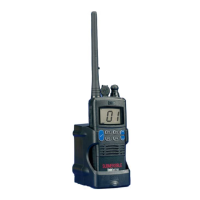
VHF/UHF submersible transceivers
OWNERS MANUAL
V/01

Other manuals for Entel HT700 Series

Questions and Answers

  • J
    Jennifer AcostaJul 31, 2025
    What to do if I cannot change any function on my Entel Transceiver?
    • C
      charleschenJul 31, 2025
      If you cannot change any function on your Entel Transceiver, it is likely that the key lock is switched on. Turn the key lock off to regain control of the functions.
  • C
    Catherine WatsonAug 6, 2025
    Why is my Entel Transceiver not switching on?
    • R
      Russell BoyleAug 6, 2025
      Your Entel Transceiver might not be switching on because the battery is exhausted and needs charging. You can either charge the battery pack or replace it with a fully charged one.
  • D
    Desiree JohnsonAug 10, 2025
    What to do if my Entel Transceiver transmits without pressing PTT button?
    • R
      Ronald SaundersAug 10, 2025
      If your Entel Transceiver transmits without pressing the PTT button, it's likely that VOX has been enabled. Press the assigned VOX button to switch VOX off.
  • P
    Peter HallAug 15, 2025
    What to do if I am receiving calls from other users outside my Entel radio system?
    • S
      sabrinawoodAug 15, 2025
      If you're receiving calls from users outside your Entel radio system, there may be congestion on the channel. Contact your dealer for a new frequency or sub tone assignment.
  • L
    lopezfrederickAug 20, 2025
    How to start scan on Entel Transceiver if the scan key does not work?
    • M
      Monique SmithAug 20, 2025
      If the scan key on your Entel Transceiver does not start the scan, it may be because no channels are memorized. Enter the desired channels into scan memory.
  • N
    ncooperAug 26, 2025
    What to do if LED on CCA640 & CWC640 Entel does not illuminate when charging?
    • B
      Brittany WeeksAug 26, 2025
      If the LED on CCA640 & CWC640 does not illuminate when charging, clean contacts with dry clean cloth. The cause may be dirty terminal contact on CCA640.

Summary

HT700 Series Owners Manual

Product Overview

Controls and Indicators

Controls Overview

Description of the transceiver's physical controls like power, PTT, and programmable buttons.

LCD Indicators

Explanation of the symbols and indicators displayed on the transceiver's LCD screen.

Operating Procedures

Power Management

Safety and Troubleshooting

Battery Safety Precautions

Important safety guidelines for handling and disposing of lithium-ion battery packs.

Troubleshooting Chart

A guide to identify and resolve common issues with the transceiver.

USA Version Safety Information

RF Exposure and Safety Training

Critical safety information for USA versions regarding RF exposure and occupational use.

Entel HT700 Series Specifications

General IconGeneral
Number of Channels16
Power Output5W
IP RatingIP68
Battery TypeLi-Ion
Weight277g (with battery and antenna)
Output Power5W
Frequency Range400-470 MHz

Related product manuals