Boot Software
The DMXStreamer offers a special operating mode which allows you
to upgrade the firmware or perform a self test, this is the boot
software.
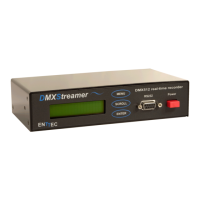
To enter this special operating mode, press the MENU and
SCROLL keys simultaneously when turning on the
DMXStreamer.
The display will show BOOT V1.0
You can use the scroll keys to scroll through the menu:
1 - Self test
2 - Firmware
3 - Checksum
1-Self test
The self test will check correct operation of all the internal electronic
components and connections.
Warning: Running the self test will erase any shows
you have in memory
To run the self test you must connect a DMX cable between the input
and output of the DMXStreamer.
Once activated the test will run on it's own. If a test fails it will be
displayed in the LCD. If any test fails please contact the support
department.
DMXStreamer User Manual 25


 To Next Page